
Upper Lars, Kazakhstan and Mongolia by Car: Marko’s Chronicle
 By Irena Domingo
Updated on
In This Article
Marko spent two months on the road this summer and autumn, and Russia came three times. He drove across Georgia and into Russia at Upper Lars on 19 August, crossed into Kazakhstan two days later, came back into Russia in September and drove on to the Mongolian border at Tashanta. In October he returned by train from Mongolia to Irkutsk and Moscow, and flew home from Sheremetyevo via Belgrade. His chronicle is pure practical information: what it really costs to top up a YooMoney MIR card, how he got rid of the 24-hour mobile data block, what to look at on Ostrovok, and, in detail, what the border interview looks like when you arrive by car. If you’re planning a long overland trip, read Miki’s chronicle too, and Dan’s if the Altai and Baikal are on your list.
What follows is Marko’s account, in his own words and photos. Thank you, Marko, for sharing it.
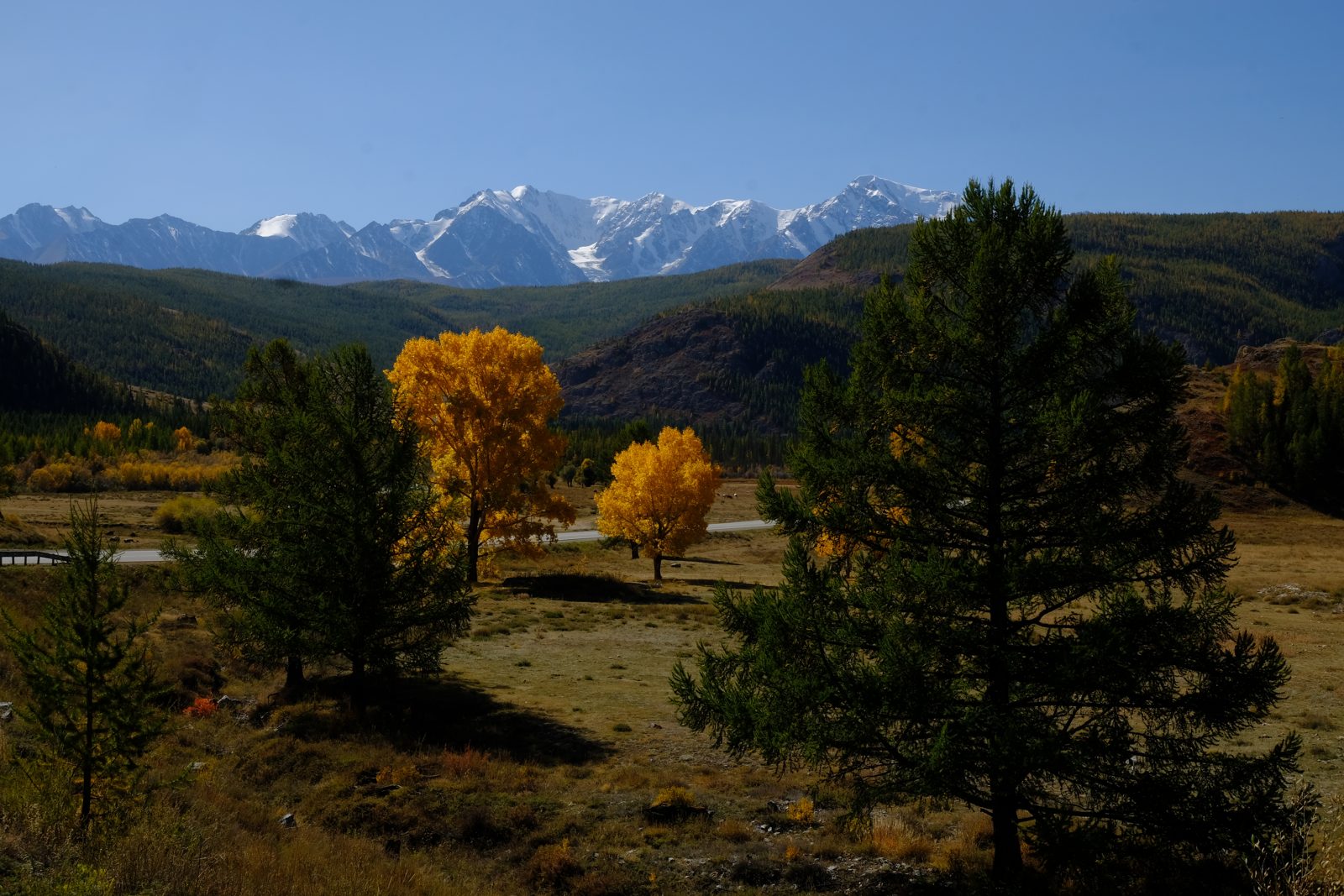
The trip at a glance
| Traveller | Marko |
| When | 19 August to 16 October 2026, in three stays in Russia |
| Route | Georgia – Upper Lars – Kazakhstan – back into Russia – Tashanta – Mongolia – train to Irkutsk and Moscow – flight home via Belgrade |
| Transport | His own car, then the Trans-Siberian from Mongolia, and a plane to leave |
| Border crossings | Dariali–Verkhniy Lars (entry 19.8) · Karaozek–Kurmangazy (exit 21.8) · Shemonaikha–Mikhailovka (entry 9.9) · Tashanta–Tsagaannuur (exit 14.9) · train from Mongolia (entry 2.10) · Sheremetyevo (exit 16.10) |
| Border interview | At every crossing by car, entering and leaving, up to three hours, phone inspected; none by train or plane. More in the border interview guide |
| Internet | eSIM on the Beeline network; 24-hour data block lifted by SMS or phone verification |
| VPN | Amnezia (premium) inside Russia; Norka VPN to use Russian websites from abroad |
| Money | YooMoney MIR card topped up with a Mastercard (about 15% less than exchanging cash, 3% fee at ATMs) plus dollars and euros in cash |
| Accommodation | Ostrovok |
| Maps | Organic Maps offline |
| Flight home | Sheremetyevo to Belgrade, 22 hours late |
Marko’s route
Red: by car (dashed: through Kazakhstan). Blue: by train from Mongolia to Irkutsk and Moscow. Grey dashed: flight to Belgrade. Green: border crossings. The route is approximate.
The route
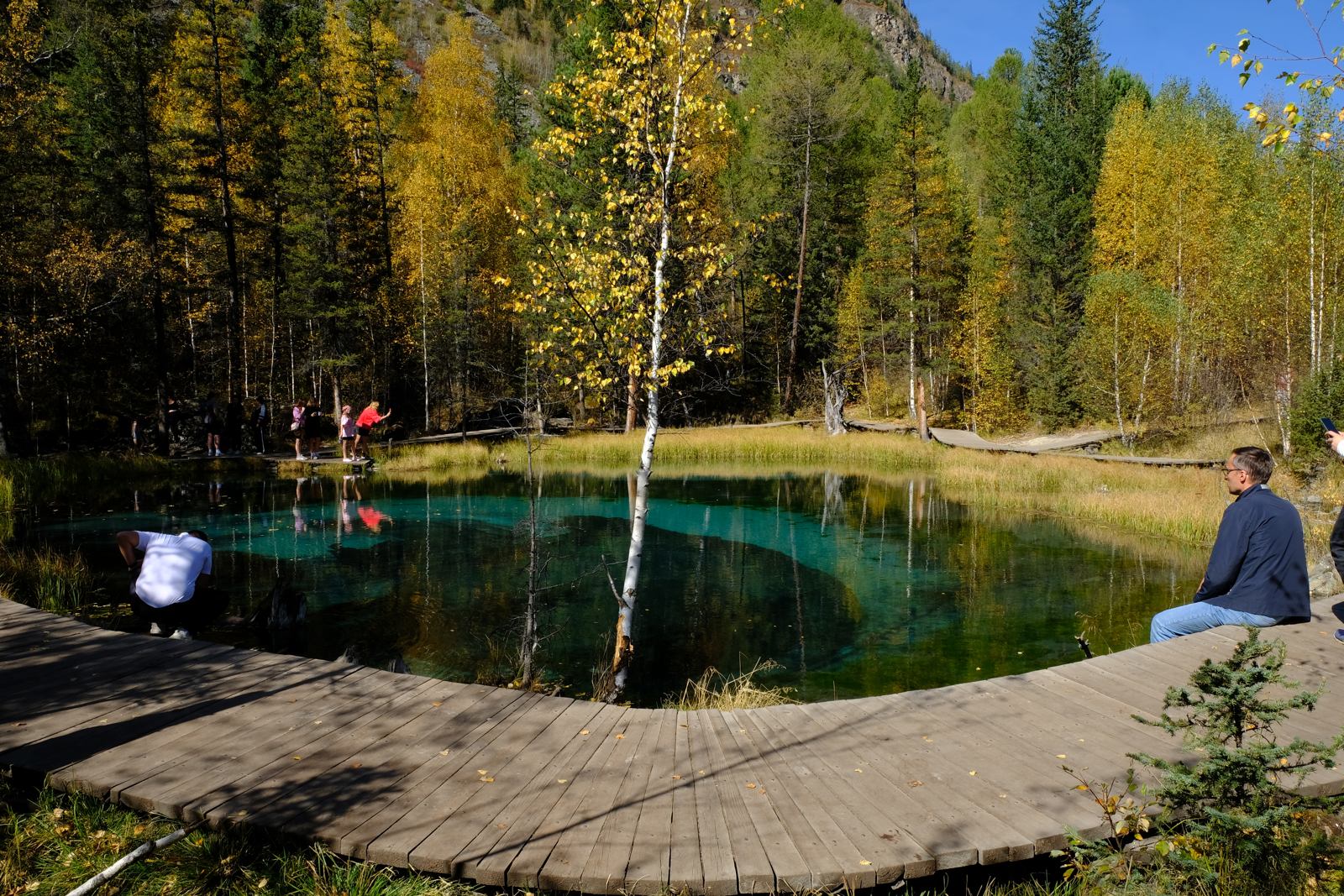
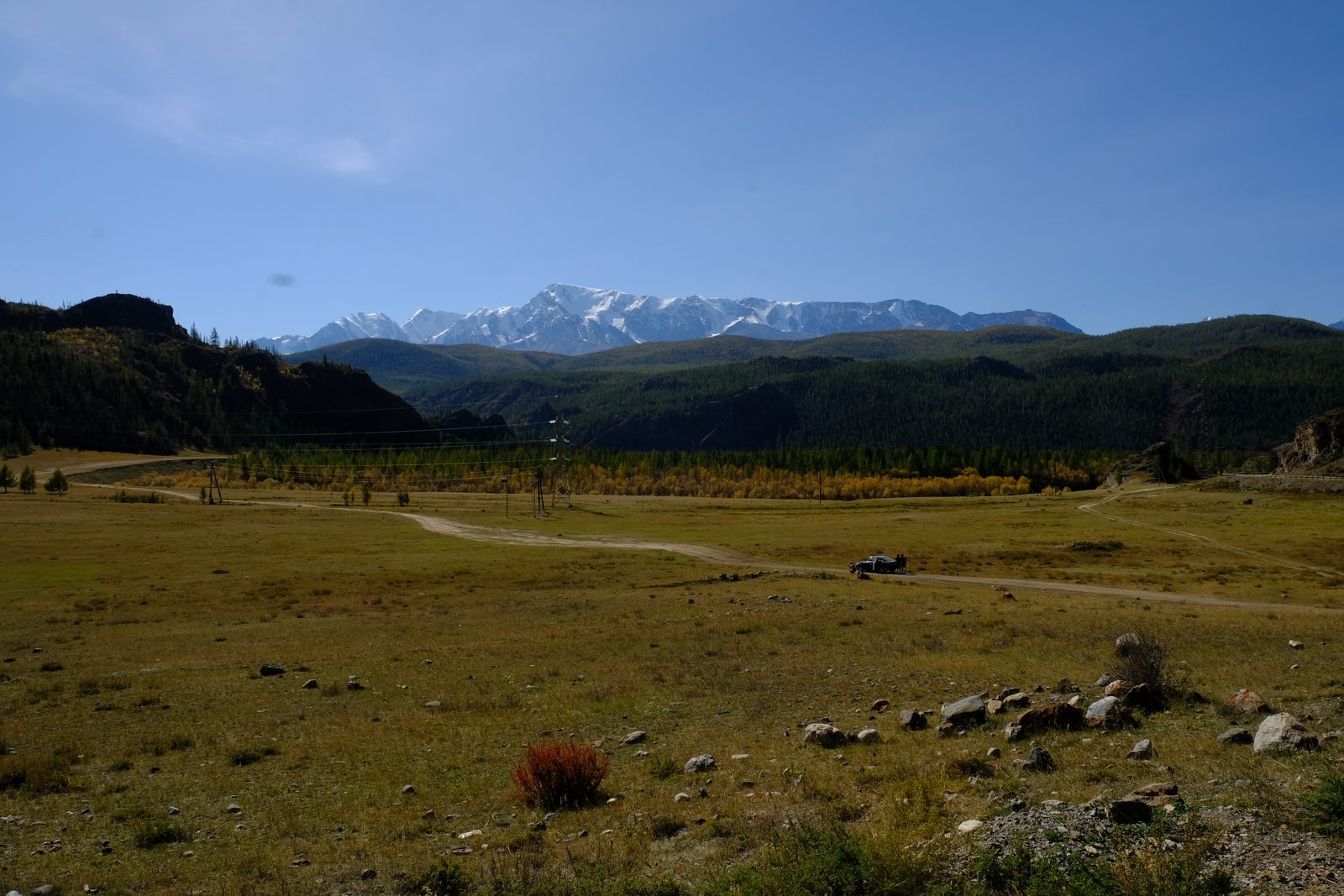
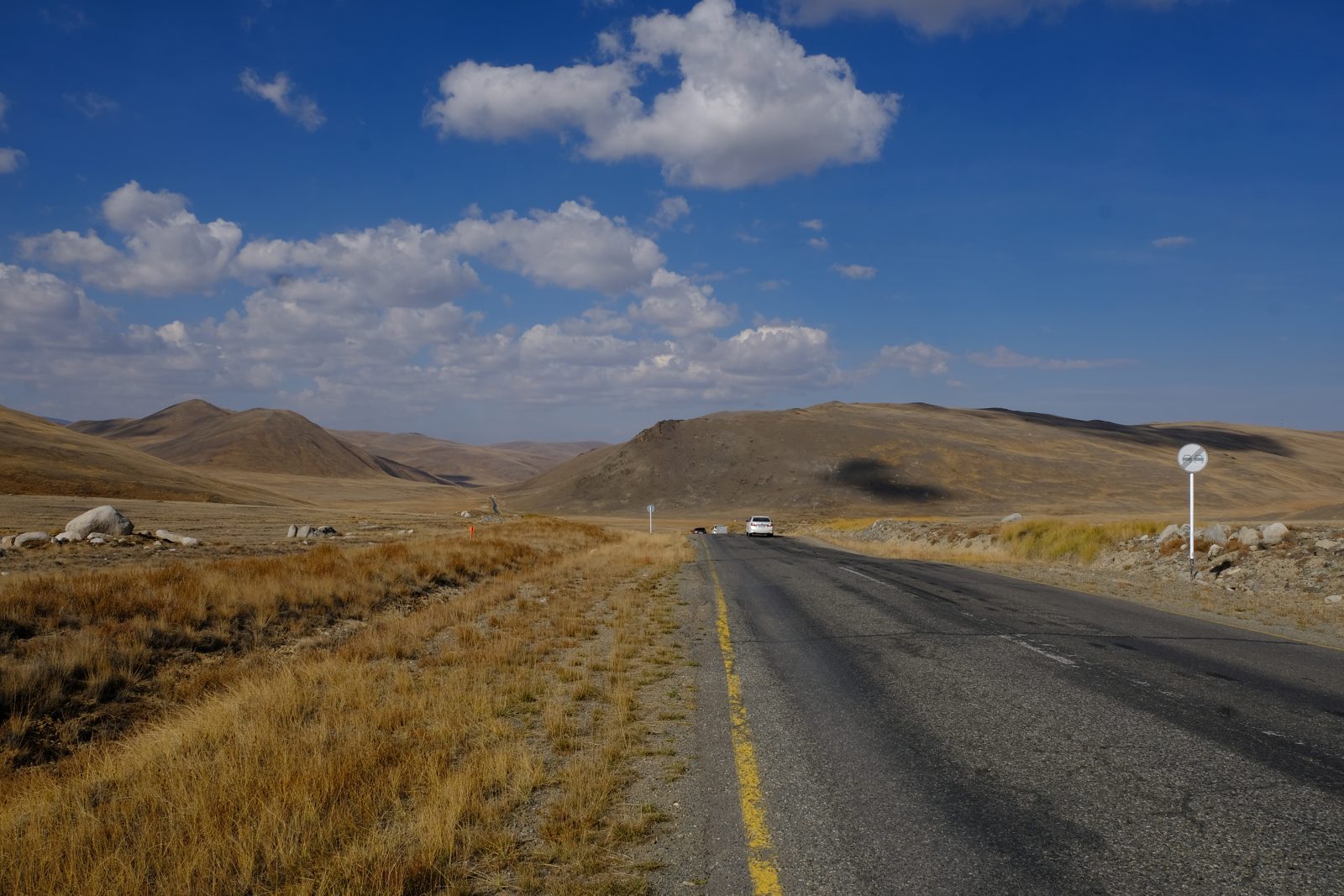
I got back from Russia this Saturday. I drove from Slovenia to Georgia, Russia, Kazakhstan, Russia, Mongolia, and then took the train to Irkutsk and Moscow, and at the end the plane via Belgrade to Ljubljana.
Border crossings and duration of stay in Russia:
- Georgia – Russia: Dariali–Verkhniy Lars. Entry into Russia 19.8.
- Russia – Kazakhstan: Karaozek–Kurmangazy. Exit from Russia 21.8.
- Kazakhstan – Russia: Shemonaikha–Mikhailovka. Entry into Russia 9.9.
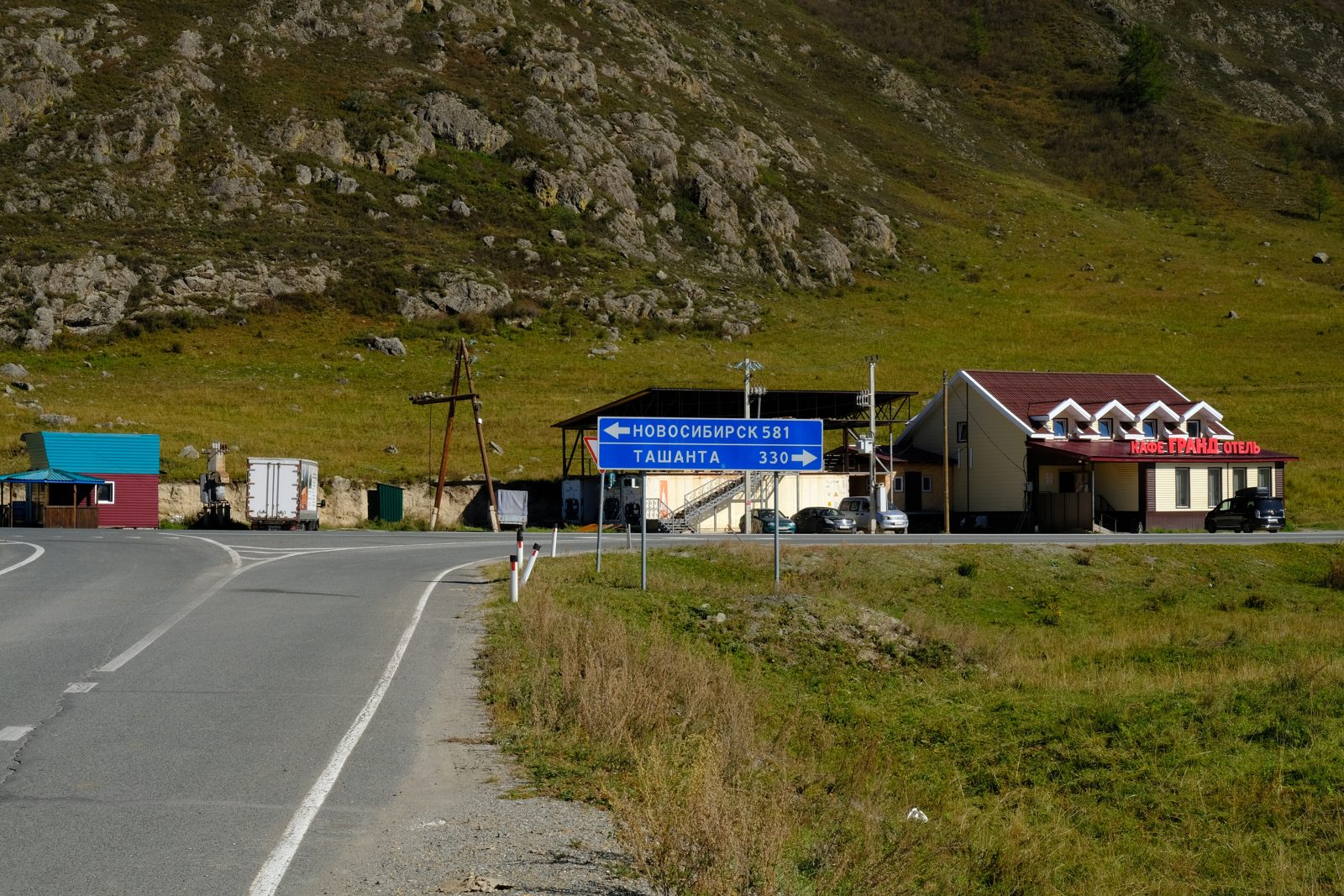
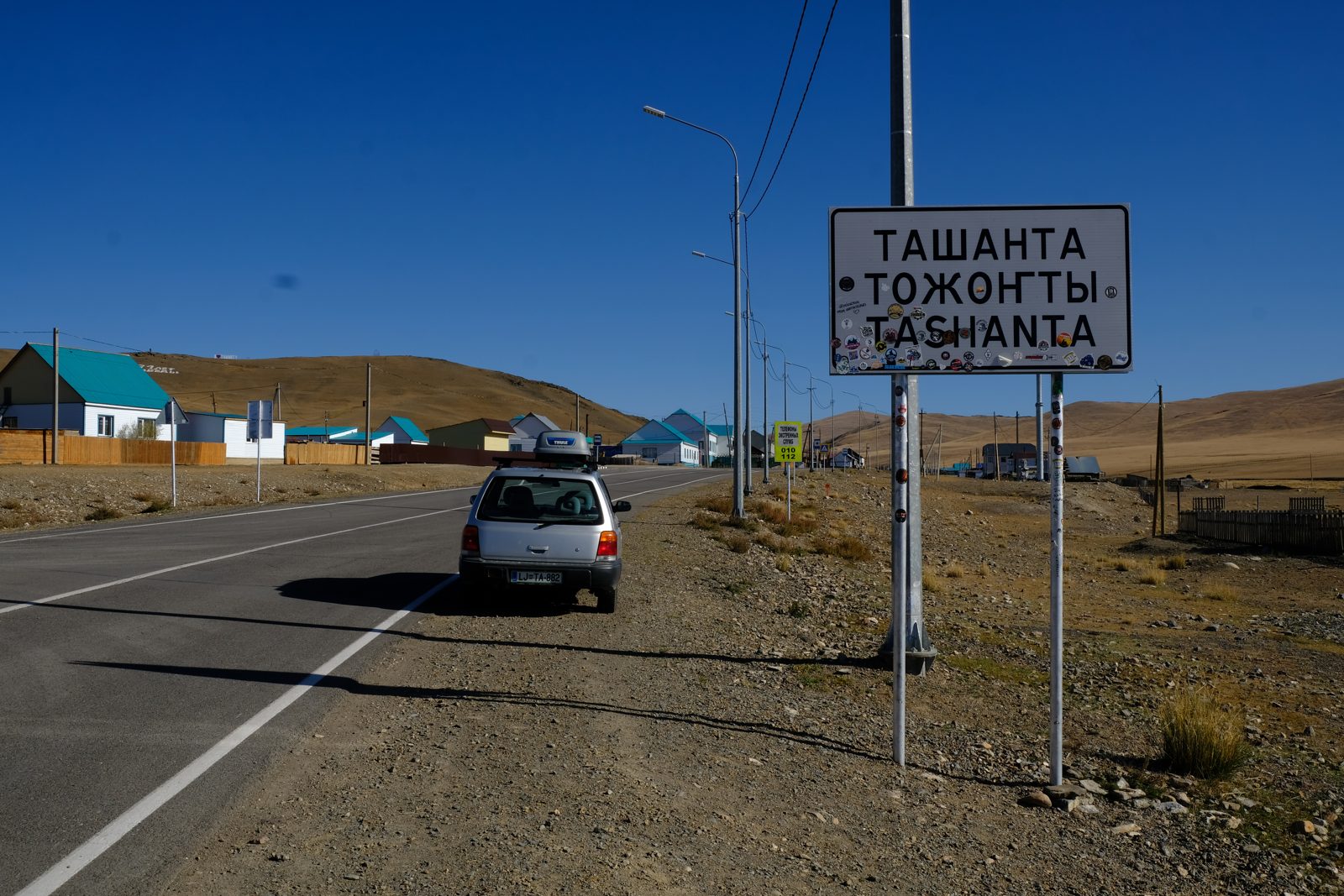
- Russia – Mongolia: Tashanta–Tsagaannuur. Exit from Russia 14.9.
- Mongolia – Russia (train): Entry into Russia 2.10.
- Flight from Sheremetyevo airport. Exit from Russia 16.10.
VPN
To access Russian websites from outside Russia
I first tried the Chrome browser extension “Urban VPN Proxy”, which was very slow. I could almost complete a booking on rzd.ru up to the point where the ticket needed to be paid and I got redirected to another page that handles payments – at that point the process stopped. I installed “Norka VPN” on my phone and finished the process using the phone instead, with no problems. Not to mention that it was way faster.
To access blocked apps while in Russia
I used Amnezia VPN, premium with subscription; I don’t think that the free version works in Russia. The good thing about the subscription version is that it can be used on 7 different devices. I was able to use WhatsApp with no problems.
Anyhow, I met a couple of Russians and they all use a VPN to access WhatsApp or other foreign applications on a regular basis. I got the recommendation for Amnezia VPN from Google’s Gemini.
The 24-hour block on mobile data
My operator for Russia included in my eSIM package was Beeline. Upon registration on the network I received an SMS with a link and a telephone number; using either of these two methods an additional verification/identification can be done. After completing the identification, the block on data transmission is removed.
Sometimes the link didn’t work (most likely because of poor signal) and I had to call the number given to receive a four-digit code, which I had to enter.
When I was on the Trans-Siberian railway, the mobile network operator changed because I was using the option “Select automatically” to connect to a network, and no SMS for additional verification was sent. It took me a while to figure that out, but being on the Trans-Siberian I got used to the poor network coverage and it didn’t bother me that much. Nevertheless, I selected the option in my phone settings to choose the network operator manually to prevent unwanted changes.
MIR card and YooMoney
- I got a MIR card based on the instructions on your site. I did the full verification within the app (passport scan, face recognition) and I was able to use it for online payments, POS terminal payments and ATM cash withdrawals.
- I installed the app on the backup phone that I carry with me in case something happens to my regular phone. I did that also because I had a slight mistrust of installing an app that is not supported by the Google Play store. I don’t think that the YooMoney app is used for anything other than its intended purpose (that is, that it’s not used to collect personal information to a greater extent than normal).
- Having a MIR card is a must if you want to use services like Ostrovok (or RZD), which make the trip way easier.
- I transferred the money using a Mastercard (within the app they refer to this option as a foreign card).
Exchange rate and fees for adding money:
- Adding funds to the YooMoney account is done in USD.
- The exchange rate was about 5 rubles per dollar lower than what you can get if you exchange dollars at a bank or exchange office.
- There was also a 1% fee.
- Based on my calculation, you get 15% less than what you get when exchanging foreign currency directly.
ATM cash withdrawals: YooMoney charges a 3% fee! This makes getting cash through YooMoney even less attractive. From my experience, I could pay by card on almost all occasions.
Benefits: being able to make online payments (I stress online payments because that can’t be done any other way, but using the MIR card at POS terminals is also very convenient), and having the option to fine-tune how much money you transfer, and to be able to do that just by having a data connection. I was in a situation where I had to pay for a hotel in rubles, I didn’t have any rubles left and there was no option to exchange foreign currency.
Disadvantage: poor exchange rate and additional fee.
Cash
I had American dollars and euros in 100 banknotes. Next time I would also bring some banknotes of lower value. The banknotes were obtained directly from the bank to ensure they were in good condition.
Ostrovok
- Positive experience. Lots of offers to choose from, and there were no misleading listings – the accommodations were as advertised.
- I would pay attention to the information about how many years the accommodation provider has been active on Ostrovok.
- In Moscow especially, one provider can have several different accommodations (dozens or even hundreds). A review score is given for each individual accommodation, and an average review score is given for the provider based on the whole portfolio.
- For apartments, the entire check-in process is usually done without the host being present. A deposit in excess of 2,000 to 5,000 rubles is common.
Getting around
- Offline maps: a must in areas with poor mobile network coverage. I used Organic Maps, which is free to use. Downloading Google Maps for offline use is not as easy as it is in Organic Maps: in Google Maps you select an area on a map, whereas in Organic Maps you download a predefined area. There is also a feature that shows which areas have been downloaded, which offers a quick visual overview.
- Using maps the old-fashioned way – being able to navigate without GPS. Being able to read the Russian alphabet makes it easier, because not all of the street signs have a translation into Latin script.
- Yandex Maps were also not working one day because of the attack on Yandex’s data center.
- Yandex Go: for registration you need a phone number that can receive an SMS with a verification code. I couldn’t receive the SMS on my Slovenian phone number. I was able to complete the registration using a number from Kazakhstan while I was in Kazakhstan.
- Using Google Translate: download the language for offline use – only text input is supported, but it can still be very useful.
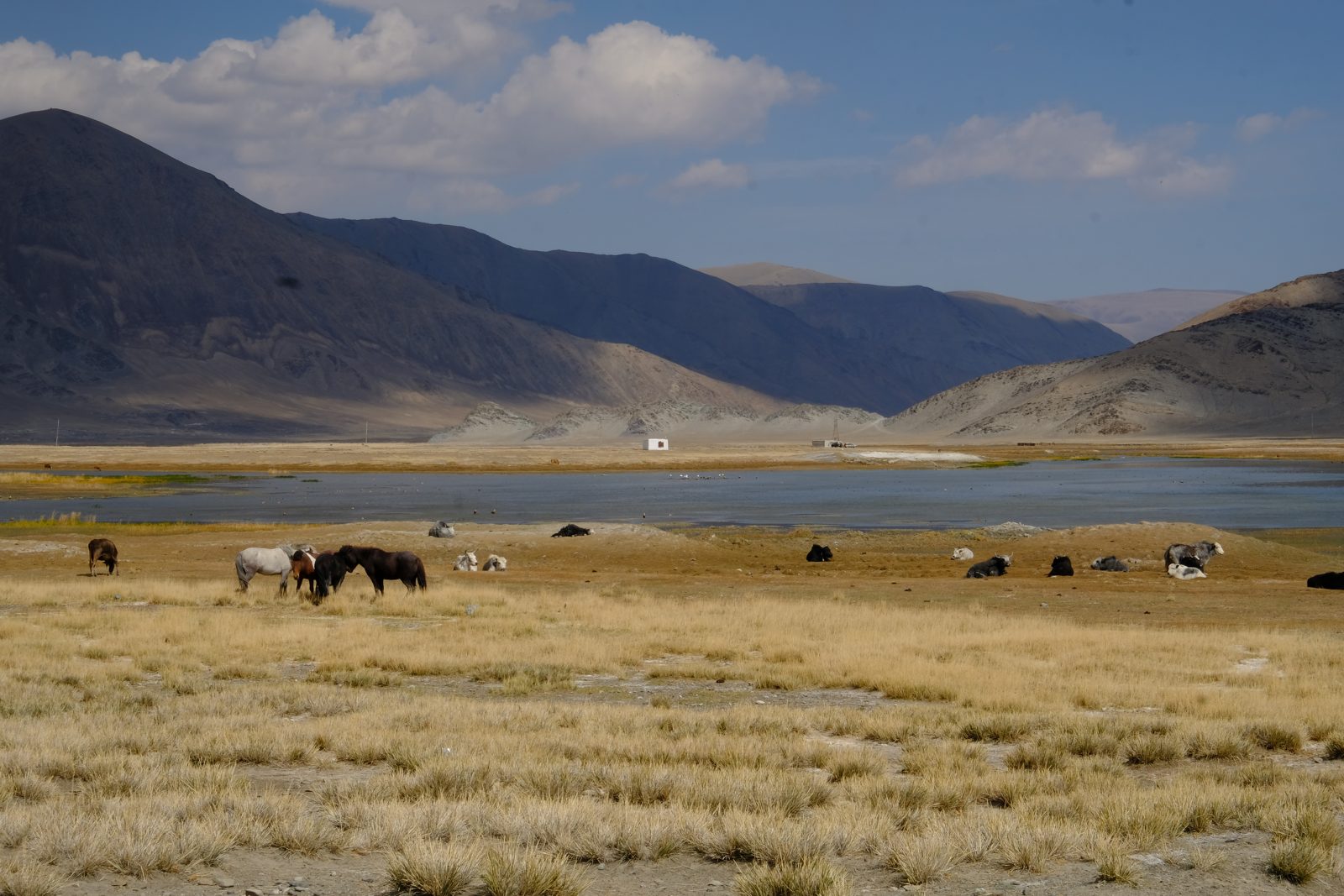
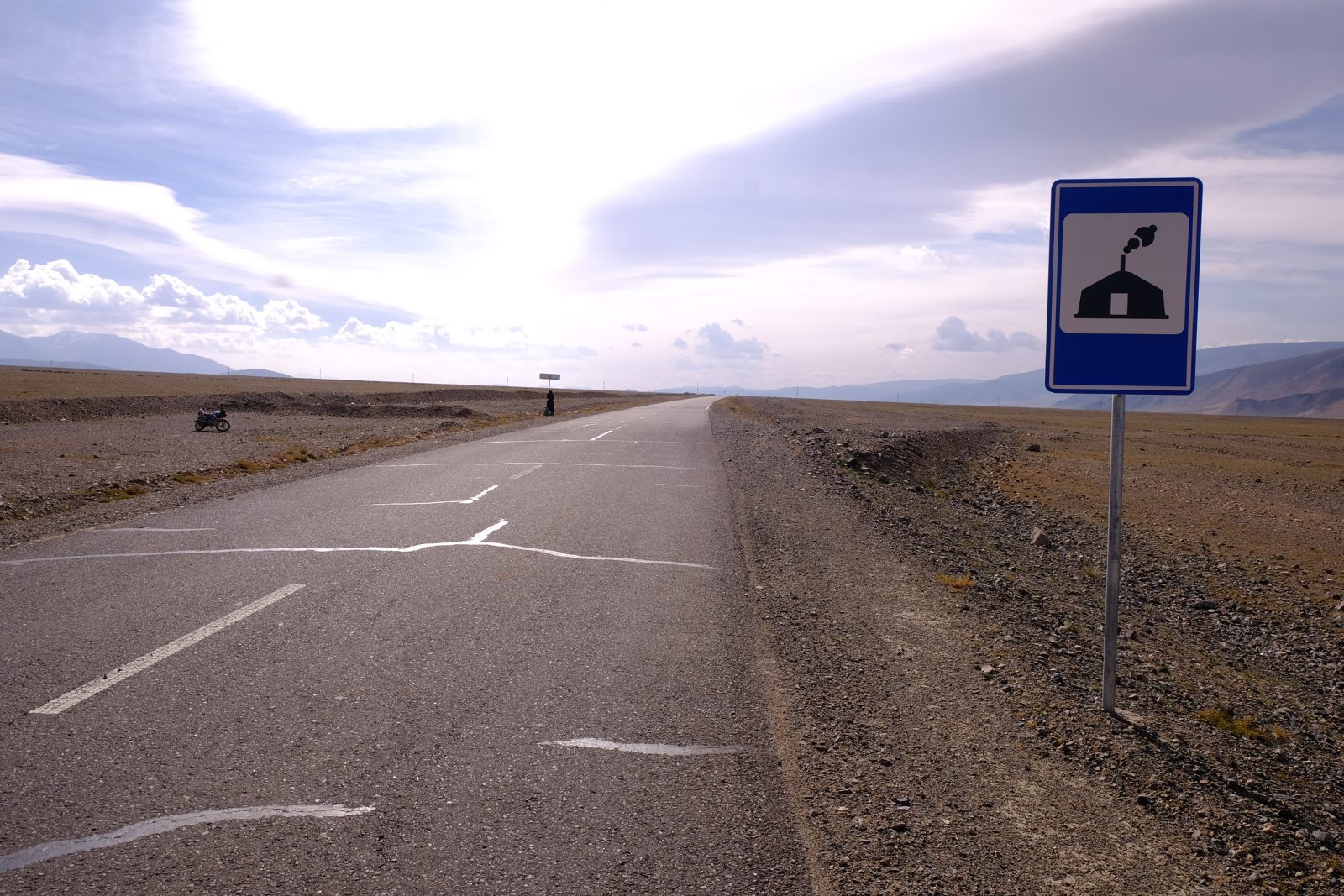
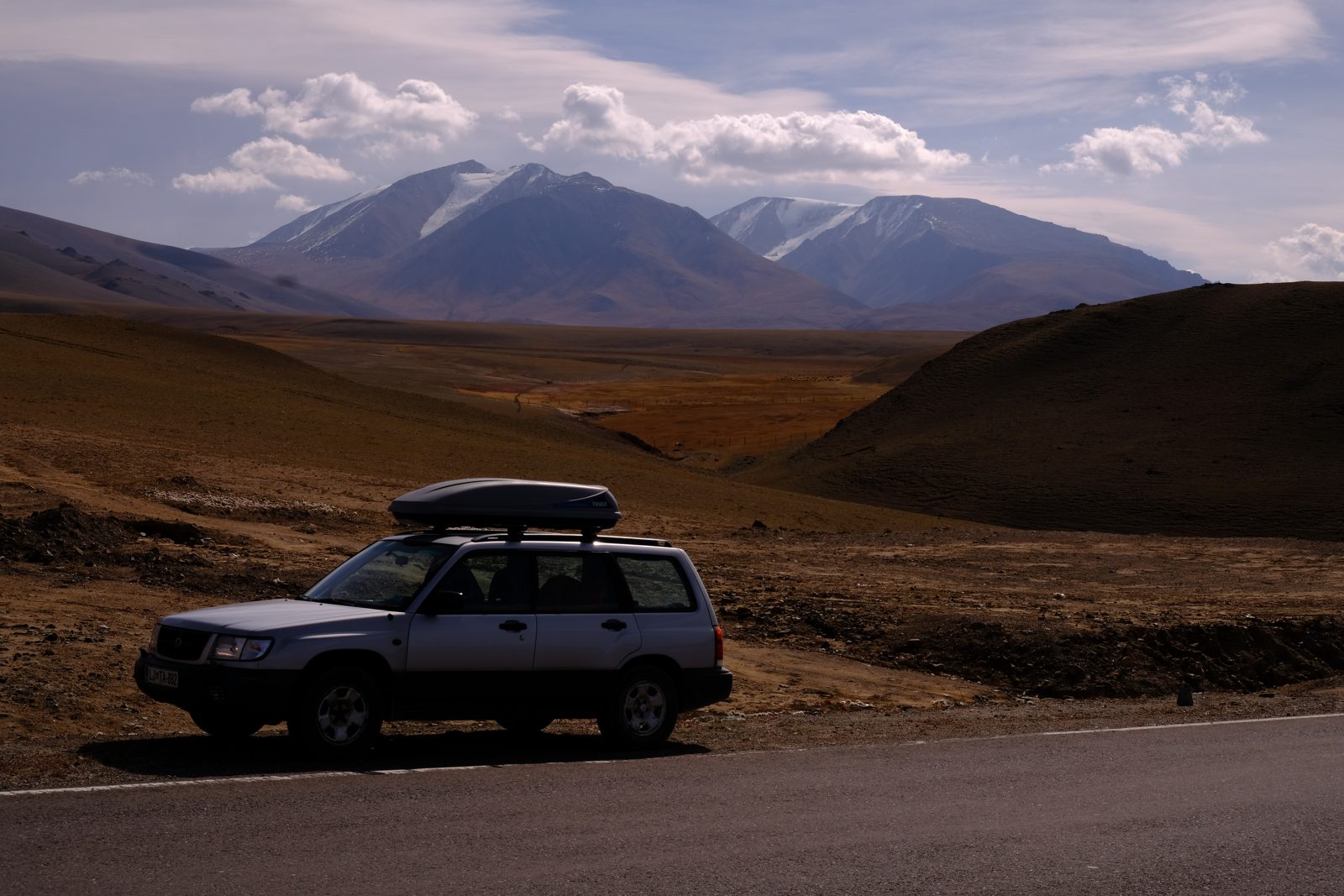
Border crossings
- When crossing the border by car, I was always “interviewed” and my phone was inspected – once it was done without me being present. I had to provide a password, and the phone was taken into another room. After receiving it back, I noticed that a Bluetooth connection was active.
- The entire process could last up to three hours. I was interviewed also when I was exiting Russia.
- I was always interviewed by a police officer and an FSB officer. They were especially interested in WhatsApp (contacts, content of correspondence, pictures), maybe because WhatsApp uses encryption and they can’t monitor the content of correspondence by other means. Standard questions included: education, name of employer and job position, names and contacts of family members, purpose of my visit, whether I had been to Ukraine, if I know any Ukrainians, if I’m financially helping Ukraine and what I think of the special operation in Ukraine.
- Entering by train from Mongolia: no interview. Leaving Russia by plane: no interview.
- The officers were always friendly and kind.
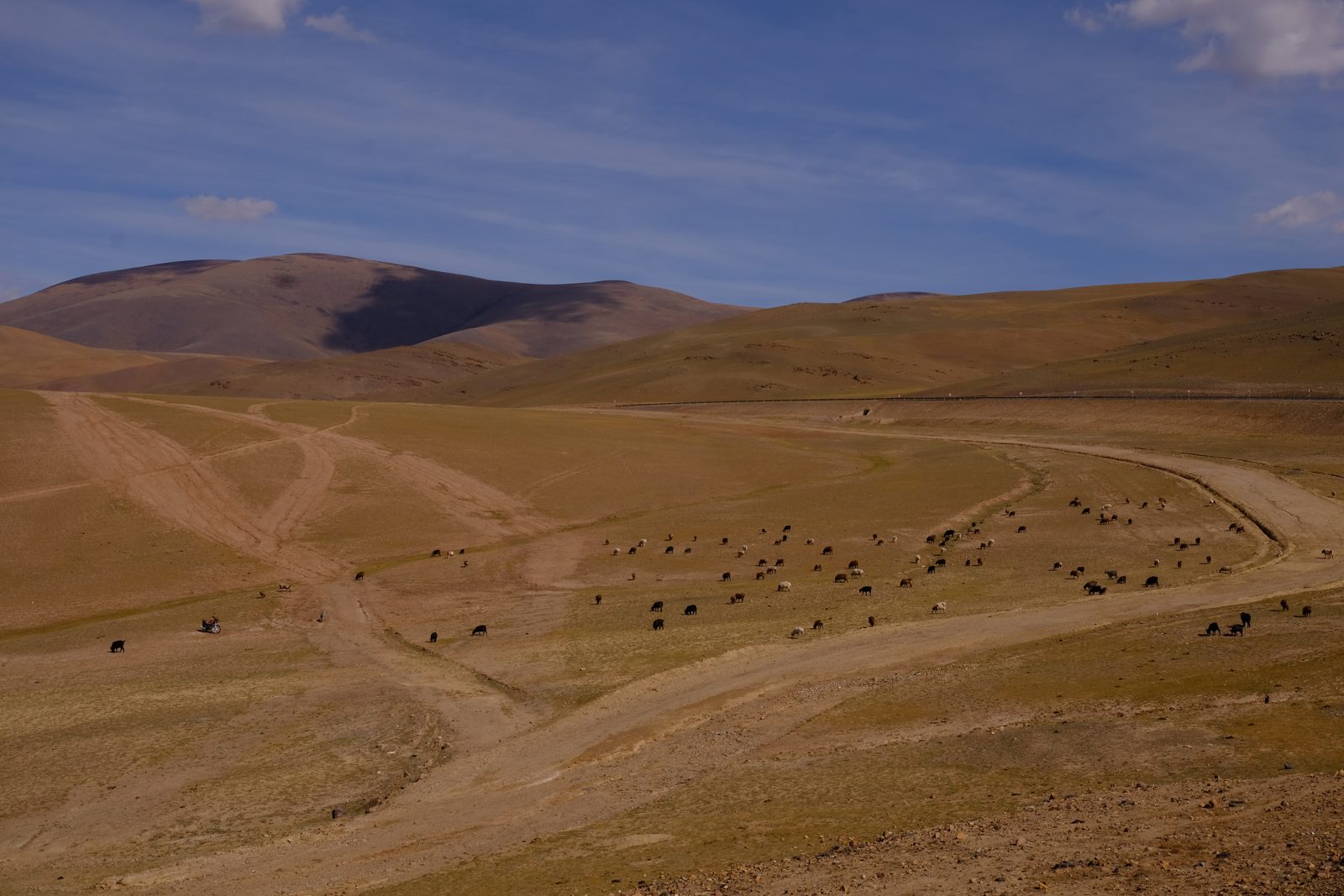
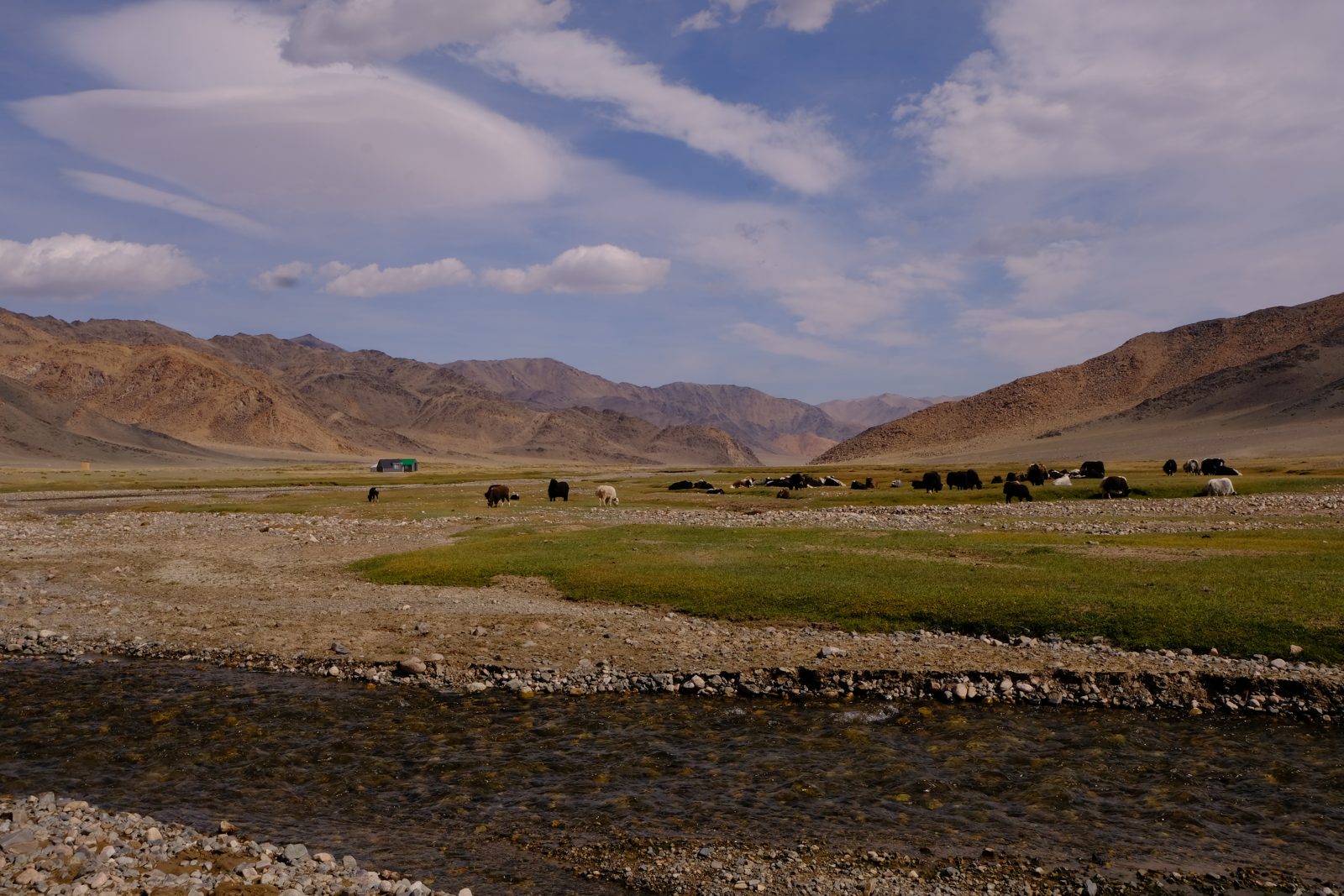
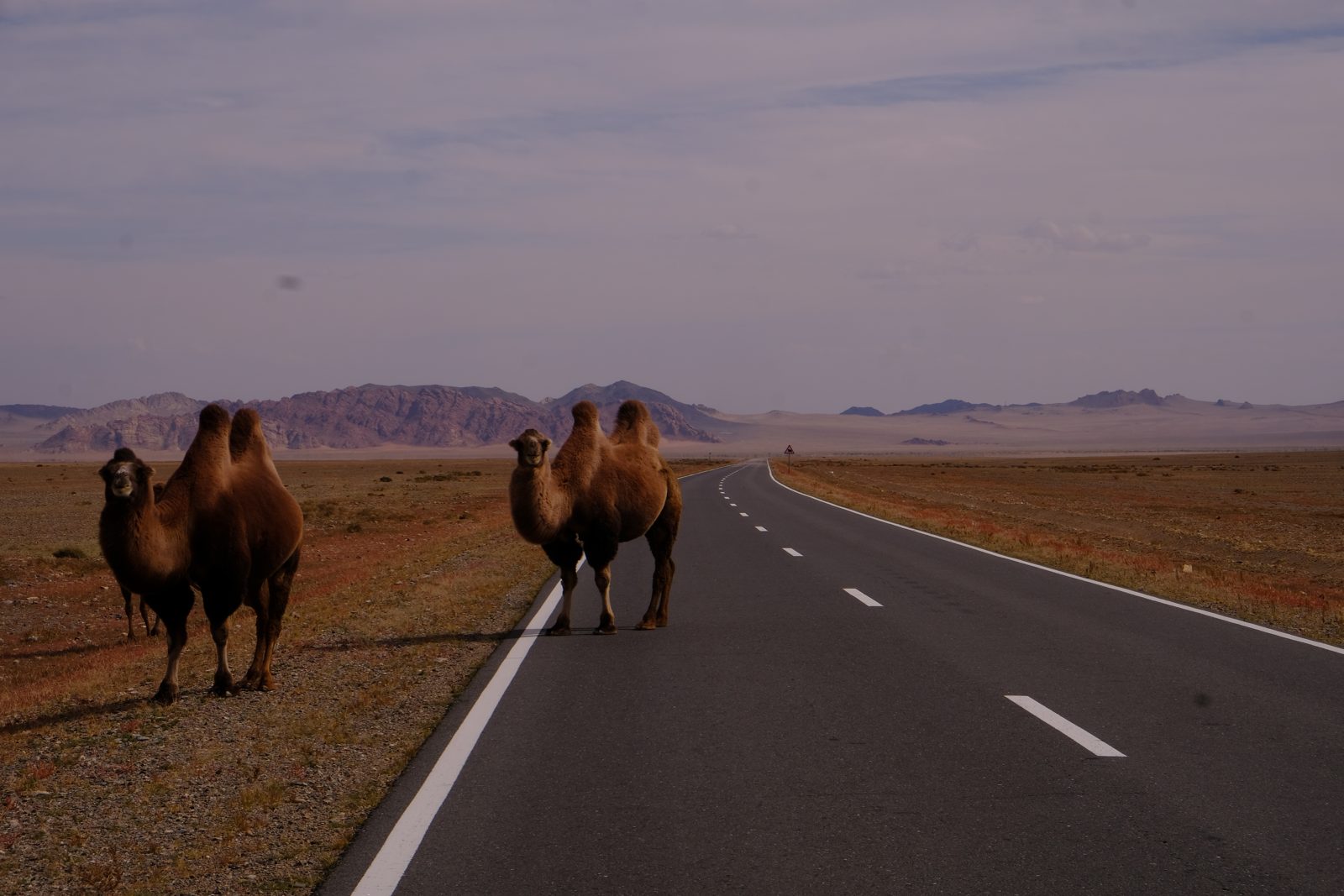
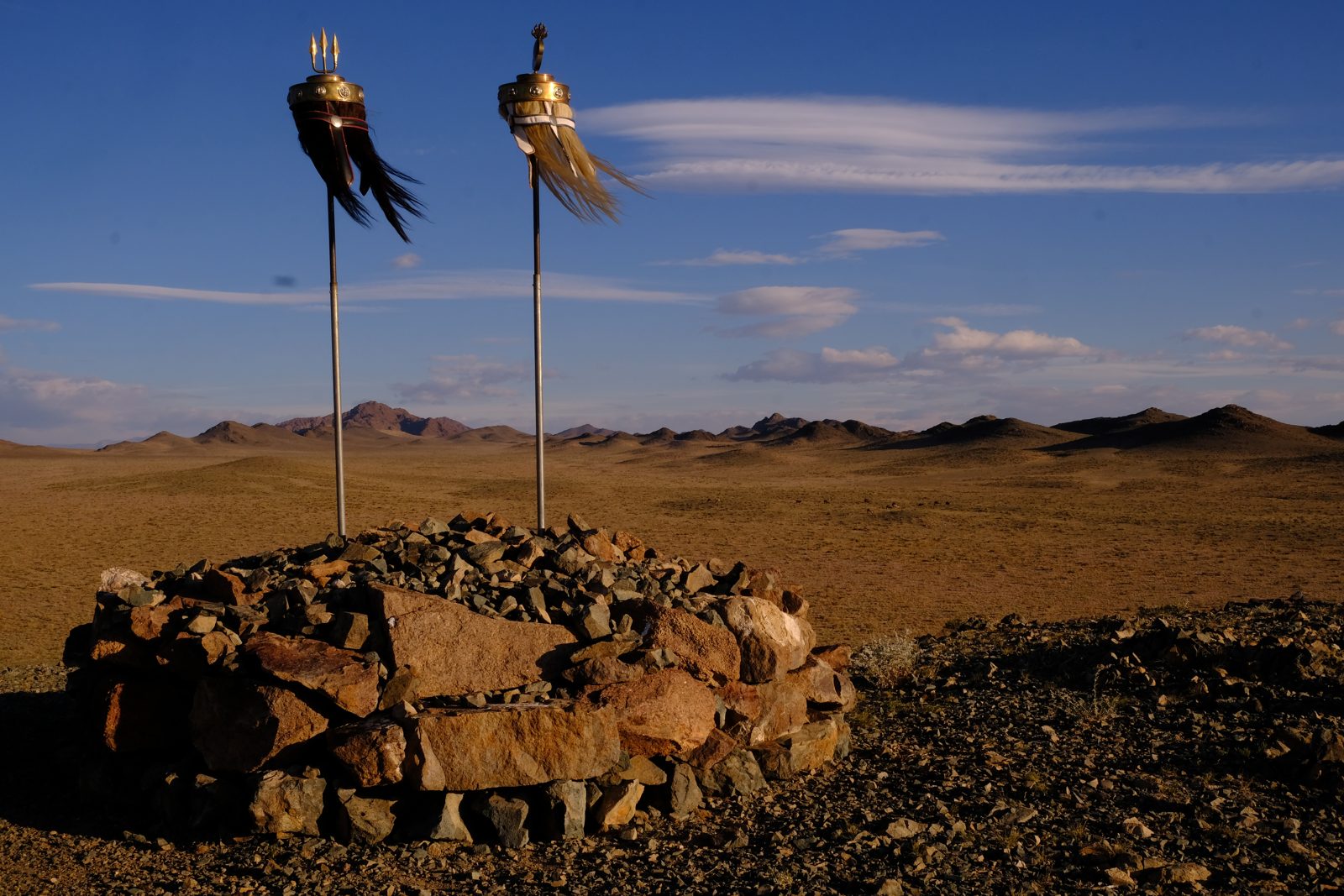
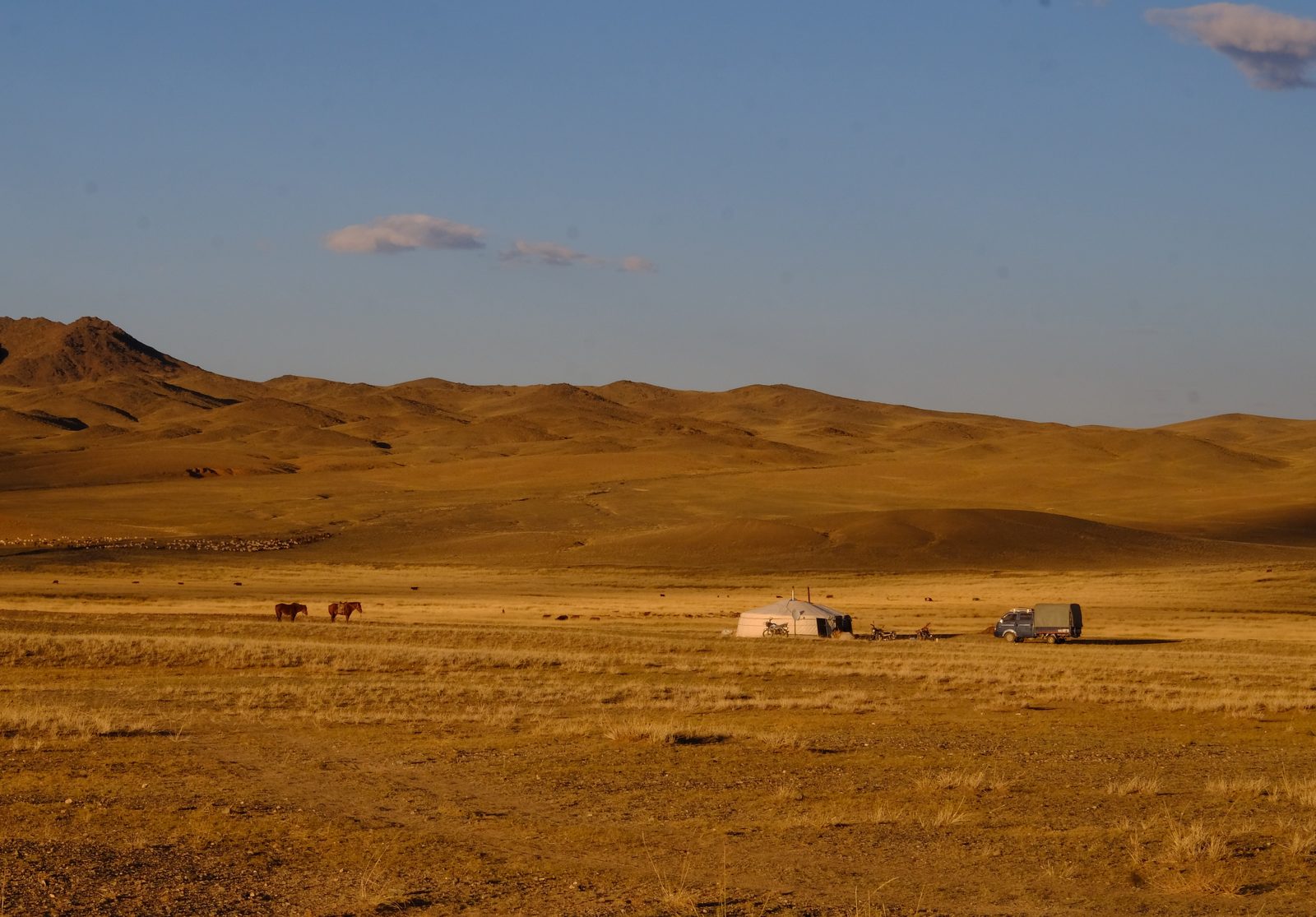
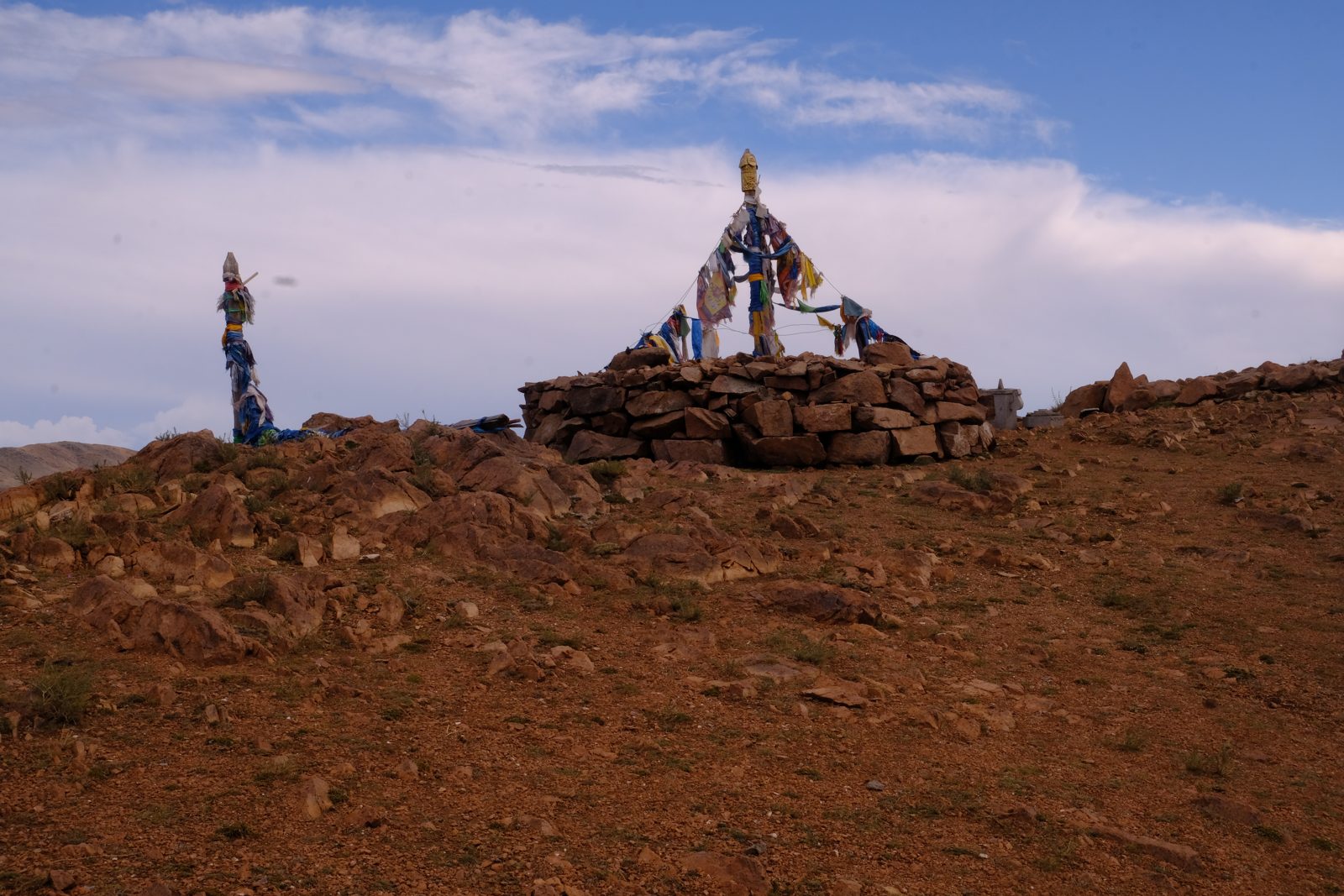
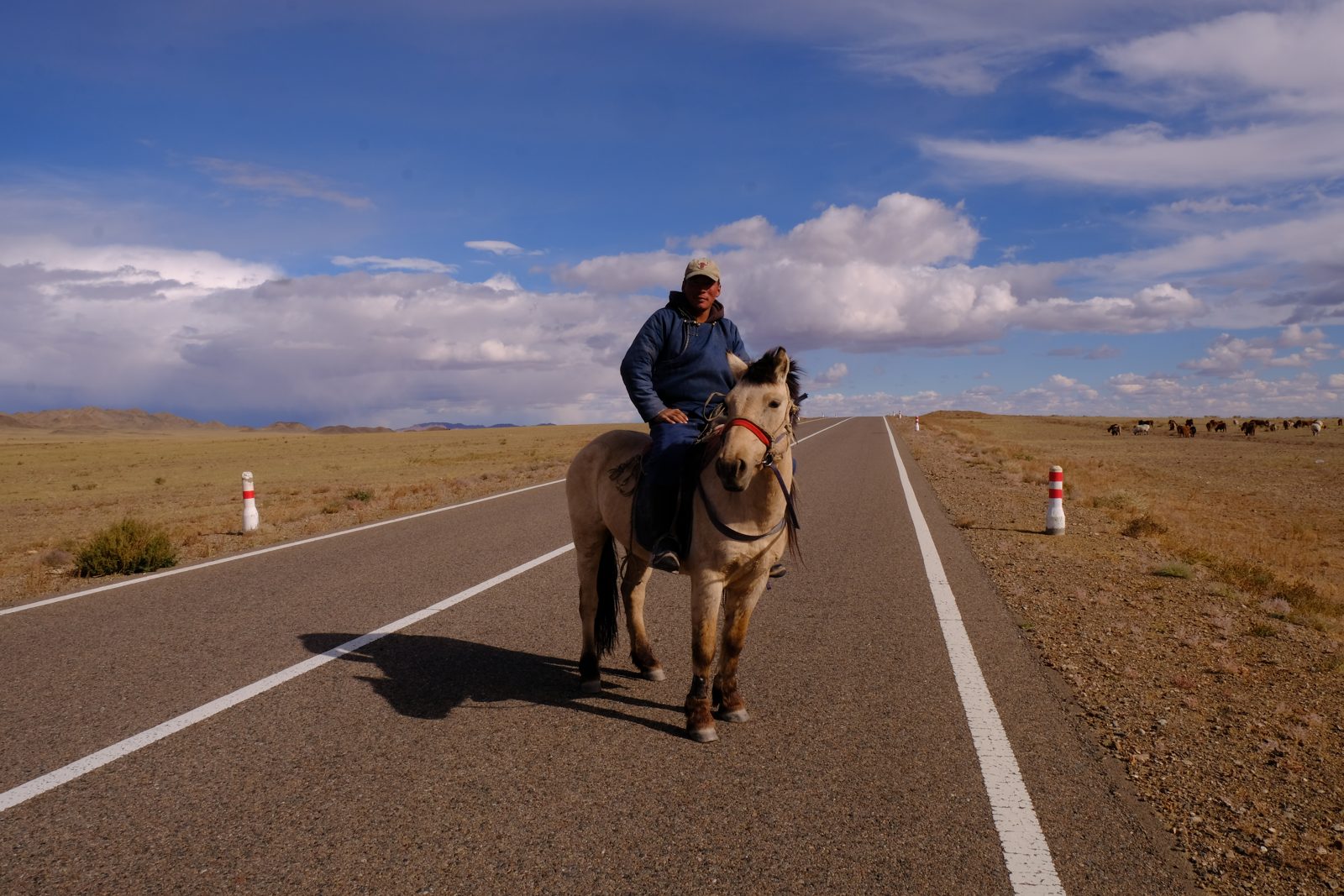
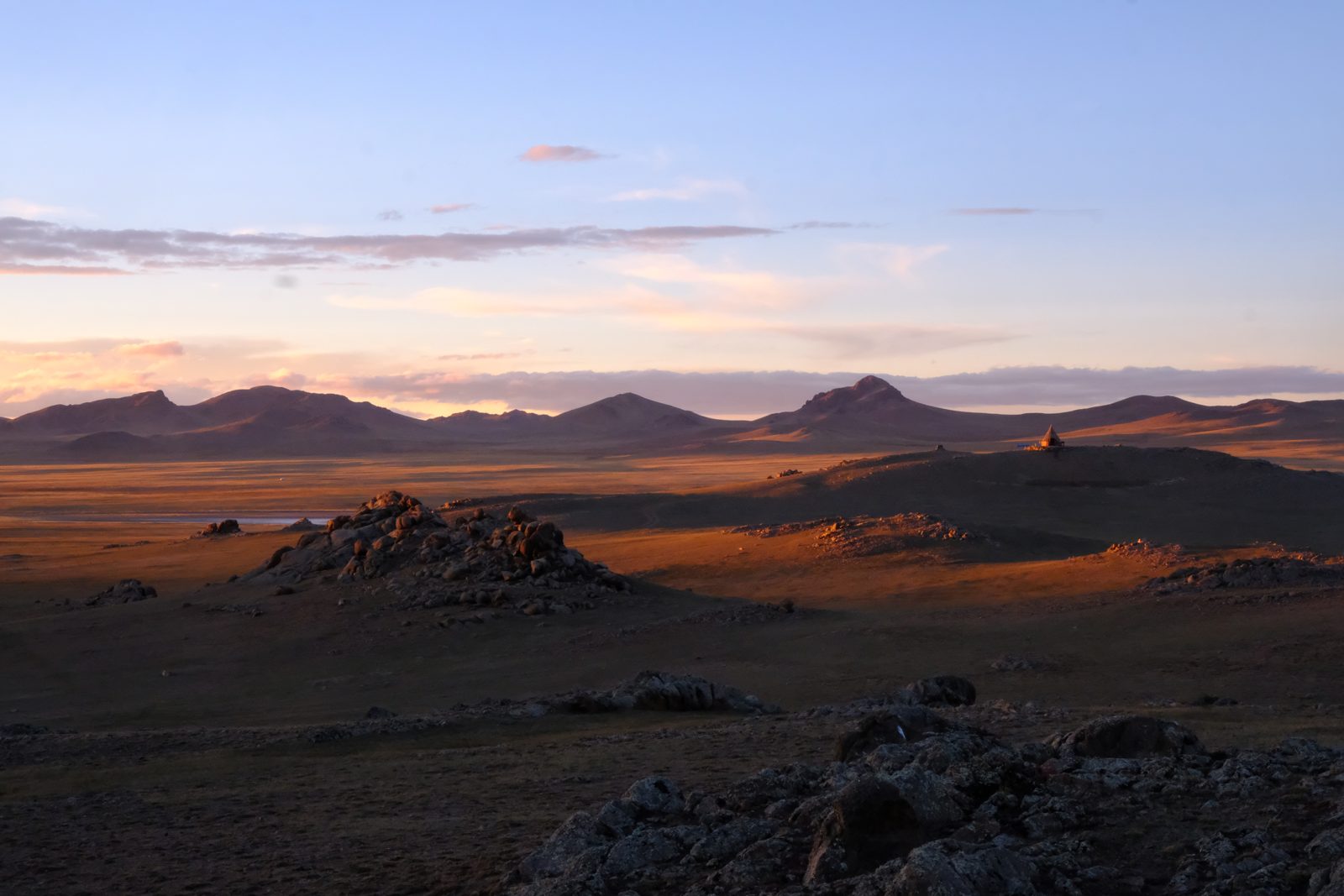
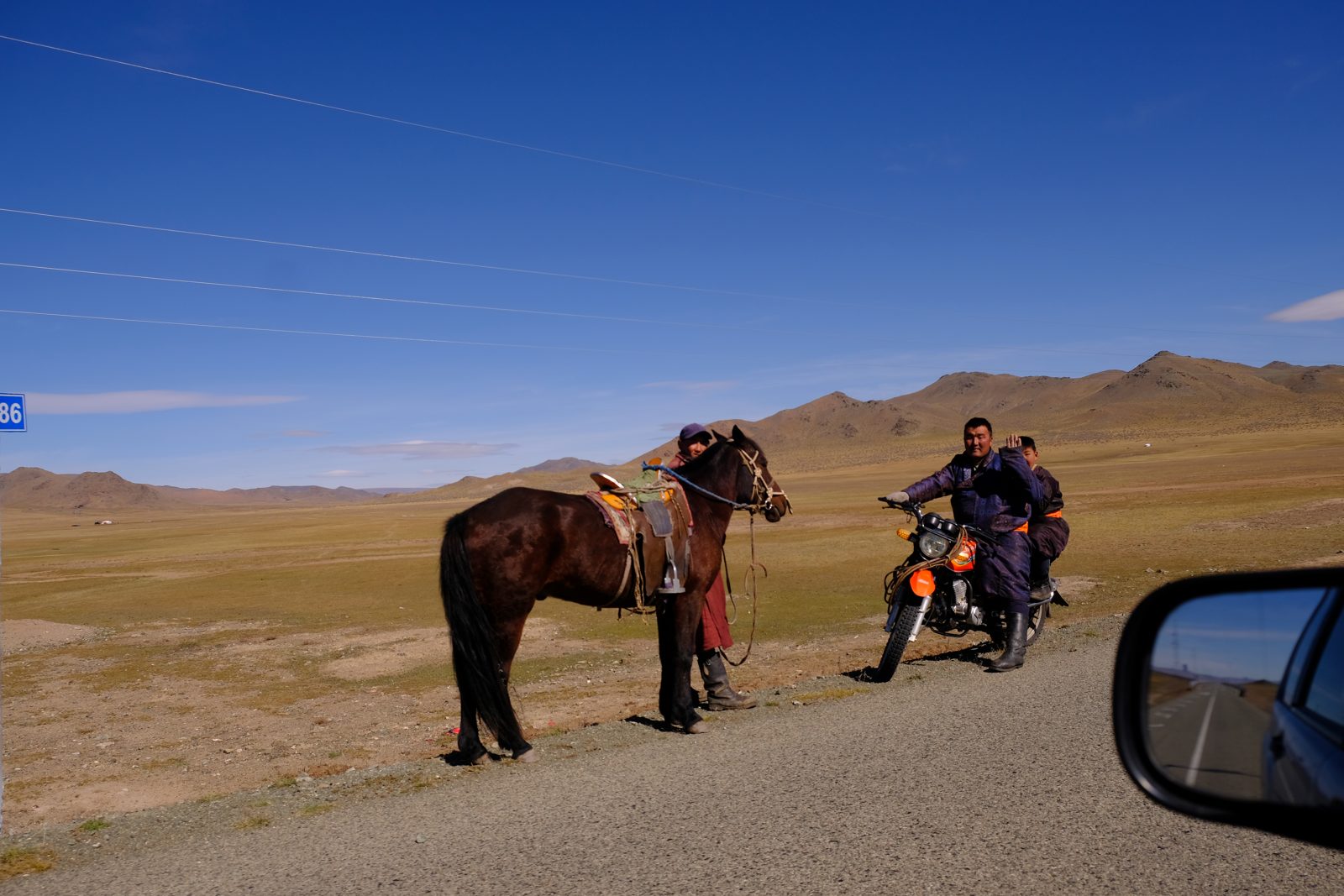
Flying home from Sheremetyevo
I flew through Belgrade. The flight was at first delayed, then after 6 hours cancelled because of drone attacks (not on the airport itself). We had to pick up our checked-in luggage and wait in the arrivals terminal. Eventually the plane took off with a 22-hour delay.
Useful information: check-in can easily take up to an hour, but more importantly, going through the luggage scanner and passport control can also take up to an hour because of the long queues.
Have you travelled to Russia recently and want to share your experience? Tell me about your trip here and I’ll publish it in this section, under your name or anonymously, whichever you prefer. It’s chronicles like Marko’s that really help people who are planning their own trip.
In This Article
Was this useful? I'll tell you when something changes in Russia
One short email a month with what has changed for travellers (visas, payments, border crossings, apps), based on what readers report to me from Russia. More than 4,000 of us already. No spam: if you ever lose interest, unsubscribing is one click.
Irena DomingoAbout Me
I was born in Russia. I grew up between two worlds: my father was Russian, my mother Spanish — a descendant of the "Children of Russia", the Basque children evacuated to the USSR during the Spanish Civil War. I've worked as a translator, interpreter and Russian teacher for over 30 years, and since 2013 I've been writing this blog to help travellers discover Russia with practical, always up-to-date information. Author of the Russiable Guide. If this blog has helped you plan your trip, you can buy me a coffee ❤️.
 2.5 Hours at Passport Control, then Kazan to Vladivostok: Michael’s Trans-Siberian Chronicle
 From St Petersburg to Lake Baikal in 24 Days: Nicolas and Lara’s Chronicle
 Moscow to Vladivostok Non-Stop: Jérémie’s Trans-Siberian, from Estonia to China