VPN in Russia in 2026: A Practical Guide for Travelers, Residents, and Accessing Russian Websites from Abroad

If you’re going to travel to Russia soon, you already live there, or you need to access Russian websites from abroad that are blocked outside Russia, this guide is for you. You need to know one thing: most of the VPNs you used to know no longer work. It’s not that they’re bad. It’s that the Russian government has set up a very advanced internet filtering system that detects and blocks VPN connections automatically. And at the same time, many Russian websites also block access from outside Russia.

In this guide I’ll explain, without technical jargon, what’s going on, what options you have, and how to set everything up step by step. I’ve split the recommendations into three groups: what you need if you’re traveling for a few weeks, what makes sense if you live in Russia or you’ll be staying long-term, and what you need if you’re outside Russia and want to access Russian websites (like rzd.ru for train tickets, museum websites, online stores, etc.).

📌 Quick summary (if you’re in a hurry)

If you’re traveling to Russia for a short time: install Proton VPN (free) or Windscribe BEFORE you travel. Turn on Stealth mode. That should be enough.

If you live in Russia or you’re staying long-term: set up your own VPN with Amnezia VPN on a rented server. It’s the most reliable option and the one that holds up best against blocks.

If you’re outside Russia and need to access Russian websites: you need a VPN with servers in Russia (paid Proton VPN, CyberGhost, or paid Windscribe). By connecting to a Russian server, websites like rzd.ru will think you’re in Russia.

Always: if you’re traveling, download everything BEFORE entering Russia. Once you’re inside, you may not be able to download anything.

vpn russia pin

What’s happening with the internet in Russia

In Russia, blocking VPNs is no longer just about preventing access to certain websites. The authorities use systems that analyze the type of connection and detect when traffic doesn’t behave like normal browsing. If the system recognizes typical VPN patterns, the connection is blocked automatically, even if the website you’re trying to access isn’t censored.

This system, known as TSPU, is installed on the networks of all Russian Internet providers, both fixed and mobile. In early 2026, Russia’s telecom regulator, Roskomnadzor, had already blocked access to more than 430 VPN services, and the list keeps growing steadily.

What does this mean for you as a traveler or resident?

  • Facebook, Instagram and X (Twitter) are blocked. Without a VPN, you can’t access them.
  • YouTube is so throttled that it’s unusable without a VPN. Videos won’t load or they load at terrible quality.
  • WhatsApp has also stopped working. Telegram works without any issues.
  • Many international news websites are blocked: BBC, Deutsche Welle, and many more.
  • Google News is blocked at certain times and with certain operators.

The good news: millions of people in Russia still use VPNs every day (around 41% of internet users). It’s not impossible—you just need to know which tool to use.

Why just any VPN won’t do

Before I recommend anything, you need to understand one thing: in Russia, a VPN only works if it can “blend in.”

Let me explain. A normal VPN creates a “private tunnel” that your internet traffic travels through. The problem is that tunnel has a recognizable “shape,” like you’re wearing a uniform. Russia’s filtering system looks at your traffic and says: “this looks like a VPN—cut it.”

The VPNs that work in Russia are the ones that make that tunnel look like normal internet traffic (as if you were just browsing any regular website). This is called “obfuscation” or “Stealth mode,” and it’s what you need to look for in any VPN you plan to use in Russia.

💡 Golden rule: if your VPN doesn’t have a “Stealth,” “Obfuscated,” or “Anti-censorship” mode, it probably won’t work in Russia. Look for it in the app settings.

If you’re traveling (short stay): the quick fix

If you’re going to Russia for tourism or work for a few weeks, you don’t need to overcomplicate things. What you need is an app you install, turn on, and it works. These are the ones holding up best:

1. Proton VPN — the most recommended

Proton VPN is the most popular option for countries with censorship. It’s from a Swiss company, has a free version, and its Stealth mode is designed specifically to make your connection look like normal web traffic.

📱 How to set it up step by step:

1. BEFORE you travel, go to protonvpn.com/download and download the app for your phone or computer.

2. Create an account (the free version includes Stealth).

3. Open the app and go to Settings → Protocol (or Security) → choose “Stealth”.

4. Connect to a server outside Russia (Netherlands, USA, or whatever it offers you).

5. If it won’t connect, try another server. Sometimes you need to try 2–3 until you find one that works.

Heads up: the app has been removed from the Russian App Store. If you have an iPhone, download it before you travel or change your Apple account region. On Android, it’s still available on Google Play for now.

2. Windscribe — a solid alternative with a free plan

Windscribe is another solid option with a free plan of 10 GB per month (enough for a short trip if you’re not watching video all day). It has Stealth mode and is also integrating a special protocol (AmneziaWG) designed to evade Russian filtering.

📱 How to set it up:

1. Download from windscribe.com/download (or from Google Play / App Store).

2. Create an account with your email (to unlock the 10 GB free).

3. In the app, look for “Stealth” or “WStunnel” mode in the connection settings.

4. Connect to a server outside Russia.

3. Mullvad — for those who want maximum privacy

Mullvad is a Swedish VPN that doesn’t even ask for an email to sign up (you can even pay in cash). In 2026 it’s using a technique that disguises VPN traffic as if it were traffic from modern websites (QUIC). It costs a flat 5€/month, with no annual plans or pricing tricks.

Download: mullvad.net/download

It’s a bit less beginner-friendly than Proton or Windscribe, but if you value privacy above everything else, it’s the best commercial option.

4. AdGuard VPN — if you already use the AdGuard ad blocker

AdGuard has its own VPN with a protocol designed to look like normal web traffic. If you already use AdGuard to block ads, the integration is convenient.

Download: adguard-vpn.com

⚠️ VPNs that probably WON’T work for you in Russia:

NordVPN and ExpressVPN were officially banned in 2021 and their apps were removed from Russian app stores. Some users report they can still connect to certain servers, but it’s not reliable. I wouldn’t put them as a first choice.

Any little-known “free” VPN you find by searching on Google: many don’t have obfuscation, and some sell your data. If it’s free and it’s not Proton, Windscribe, or Tor, be skeptical.

If you’re outside Russia and need to access Russian websites

This is something many people don’t realize until they run into it: many Russian websites are blocked outside Russia. It’s not your internet provider or your computer. It’s the Russian websites themselves that, since the war in Ukraine, have started blocking connections coming from abroad.

This affects very specific, practical situations:

  • You want to buy train tickets on rzd.ru (the Russian Railways website) before you travel.
  • You want to book tickets for Russian museums (Hermitage, Tretyakov, etc.) from their official websites.
  • You need to access Russian public service websites like mos.ru (Moscow government) or pochta.ru (Russian Post).
  • You want to shop on Russian online stores like Wildberries, Ozon, or similar.
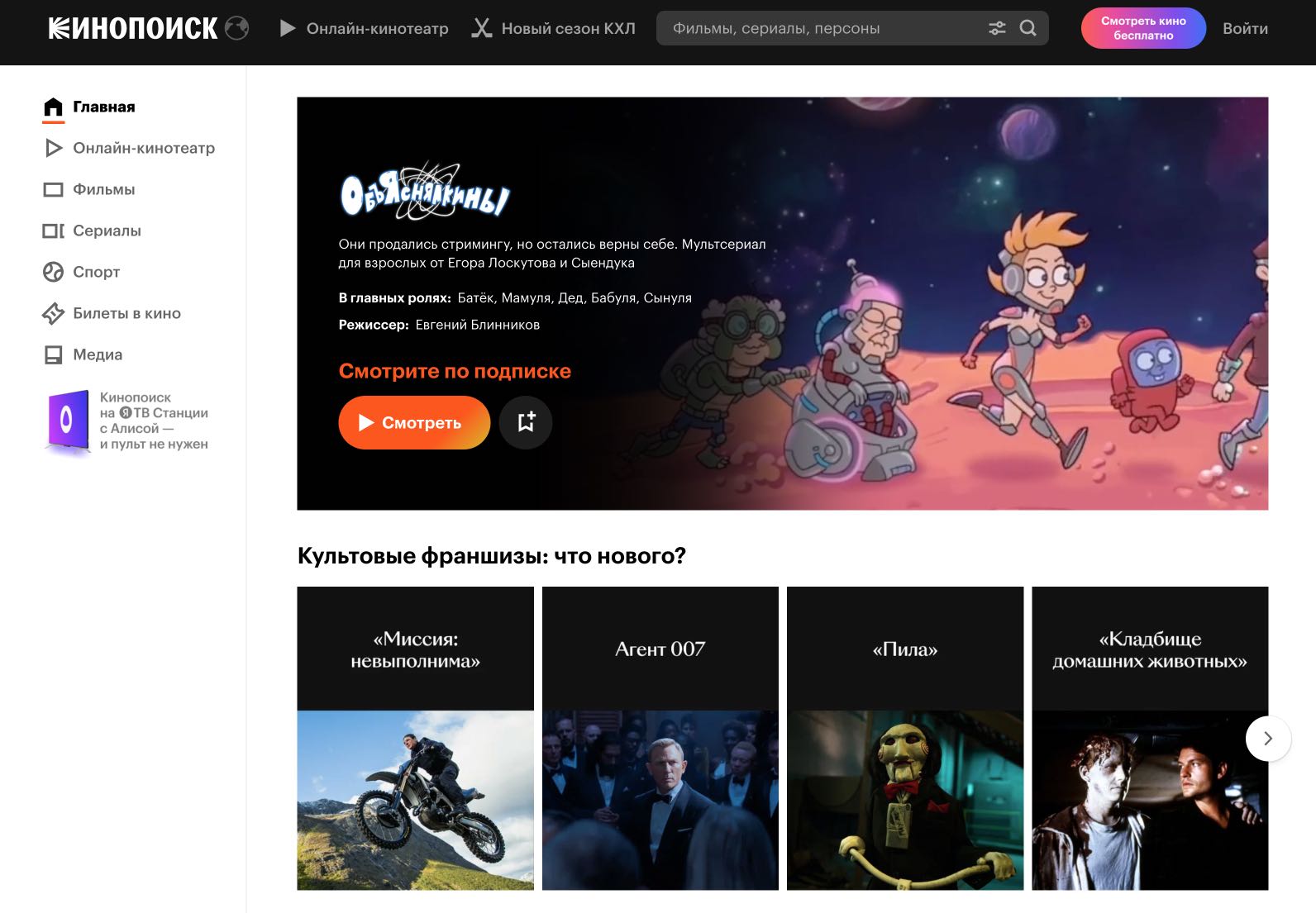
  • You want to access Russian streaming services like Kinopoisk or ivi.ru.

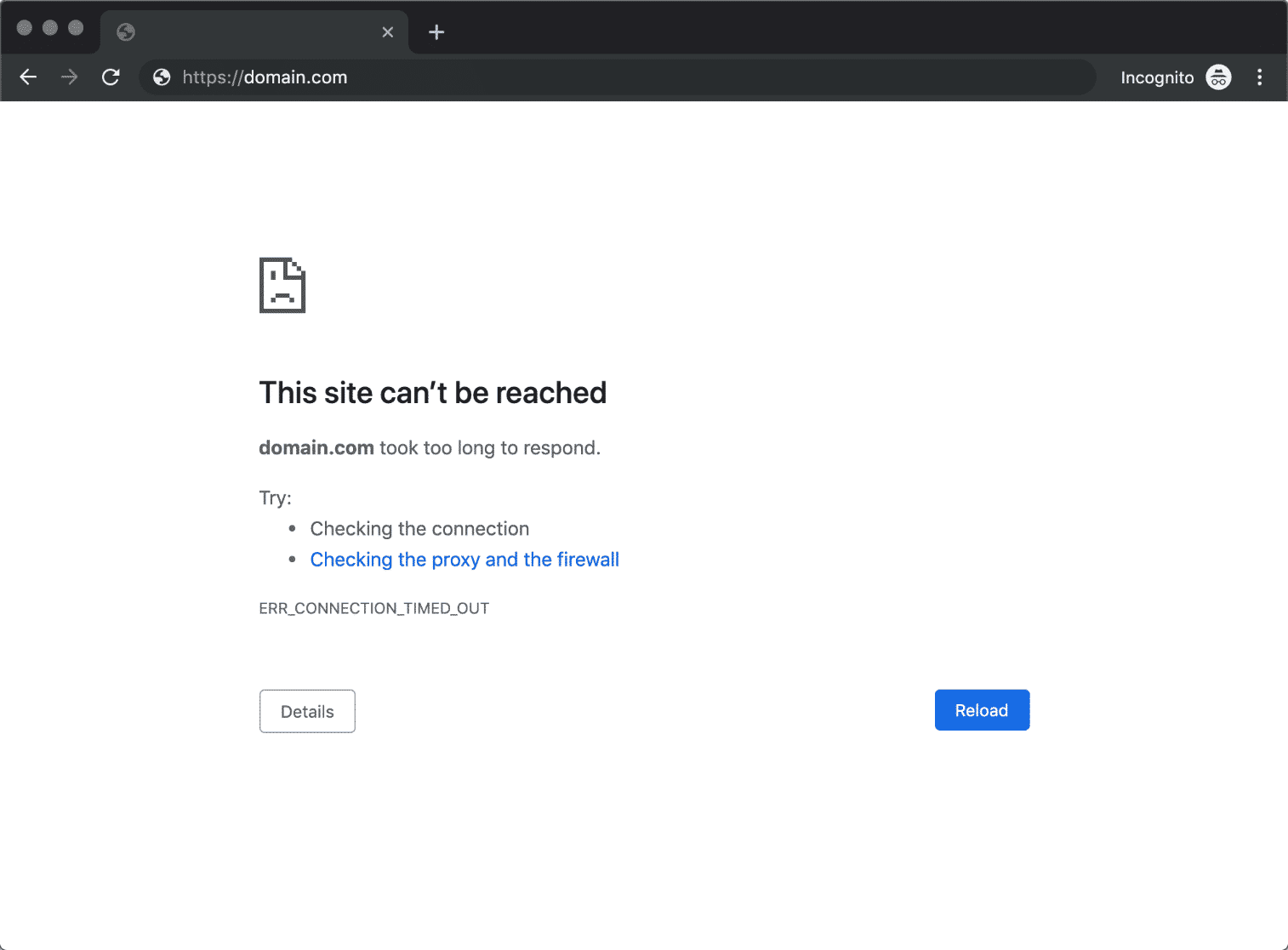
When you try to access these websites from outside Russia, you’ll see a “this site can’t be reached” message or the page simply won’t load. The solution is to connect to the internet through a server that is inside Russia, so the website thinks you’re there.

What do you need? A VPN with servers in Russia

Here the need is the opposite of a traveler in Russia. You don’t need to “escape” Russia—you need to “enter” virtually. For that, you need a VPN that has servers in Russia and gives you a Russian IP address. This is what most VPNs do NOT offer, because many removed their physical servers from Russia after the 2022 sanctions.

Heads up: most VPNs that work for this do so with “virtual servers,” meaning the server is physically in another country (for example, Sweden or Finland) but it gives you a Russian IP. To access websites like rzd.ru, this is usually enough.

Options that work to access Russian websites from abroad

1. Proton VPN (paid version) — has servers in Saint Petersburg and Moscow. With the paid version you can connect to Russia directly. The free version does NOT include Russian servers.

Price: from ~5€/month. Download: protonvpn.com/download

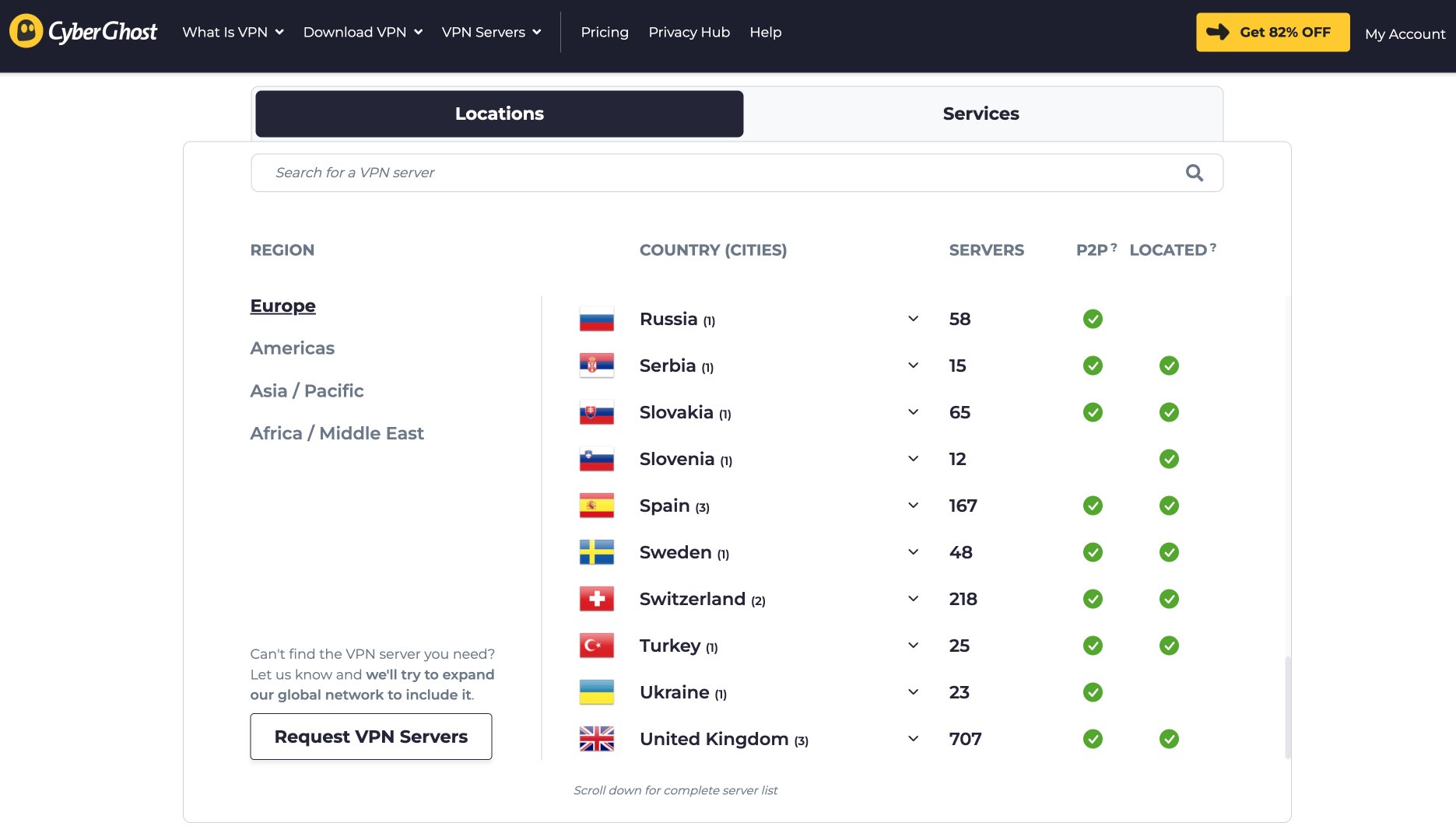
2. CyberGhost — has 60+ virtual servers in Moscow. It’s especially good for this use case because it offers optimized servers. Very easy to use.

Price: from ~2€/month with long plans. Download: cyberghostvpn.com

3. Windscribe (paid version) — has servers in Russia on its Pro plan. The free version doesn’t include servers in Russia.

Price: from ~5€/month or a custom plan from 3$/month. Download: windscribe.com/download

4. AdGuard VPN — has servers in Russia and the proprietary TrustTunnel protocol. A good option if you already use AdGuard.

Download: adguard-vpn.com

📱 How to access rzd.ru step by step (practical example):

1. Install Proton VPN (or CyberGhost) on your computer or phone.

2. Open the app and look in the server list for “Russia” or “RU”.

3. Connect to a server in Russia (Moscow or Saint Petersburg).

4. Open your browser and go to rzd.ru. It should now load normally.

5. When you’re done, disconnect from the VPN to go back to browsing with your normal connection.

⚠️ Important limitation with rzd.ru:

Even with a VPN you can access rzd.ru to check schedules and search for trains, but keep in mind that you can’t pay with Visa, Mastercard, or American Express cards issued outside Russia. These cards stopped working in Russia after the 2022 sanctions. To buy tickets you’ll need a Russian bank card or use an intermediary.

Quick and free alternative: if you only need to check something specific (like train schedules), you can install a free browser extension that gives you a Russian IP. They’re not ideal for sensitive data, but they work for checking schedules or prices. Search for “free VPN Russia” in Chrome extensions. Recommendation: don’t enter personal data or log in with these free extensions.

Kazakhstan trick: some Russian websites also accept connections from Kazakhstan. If your VPN doesn’t have a server in Russia but does have one in Kazakhstan, try that. For example, users have reported that rzd.ru works with a Kazakh IP.

If you live in Russia or you’re staying long-term: the robust solution

If you’re going to be there for months or you live in Russia, commercial VPNs will give you trouble sooner or later. The government blocks their servers in waves, and one day your usual VPN just stops working.

The solution that holds up best is setting up your own VPN. I know it sounds complicated, but it’s not as hard as it seems. Here’s how:

What does “setting up your own VPN” mean?

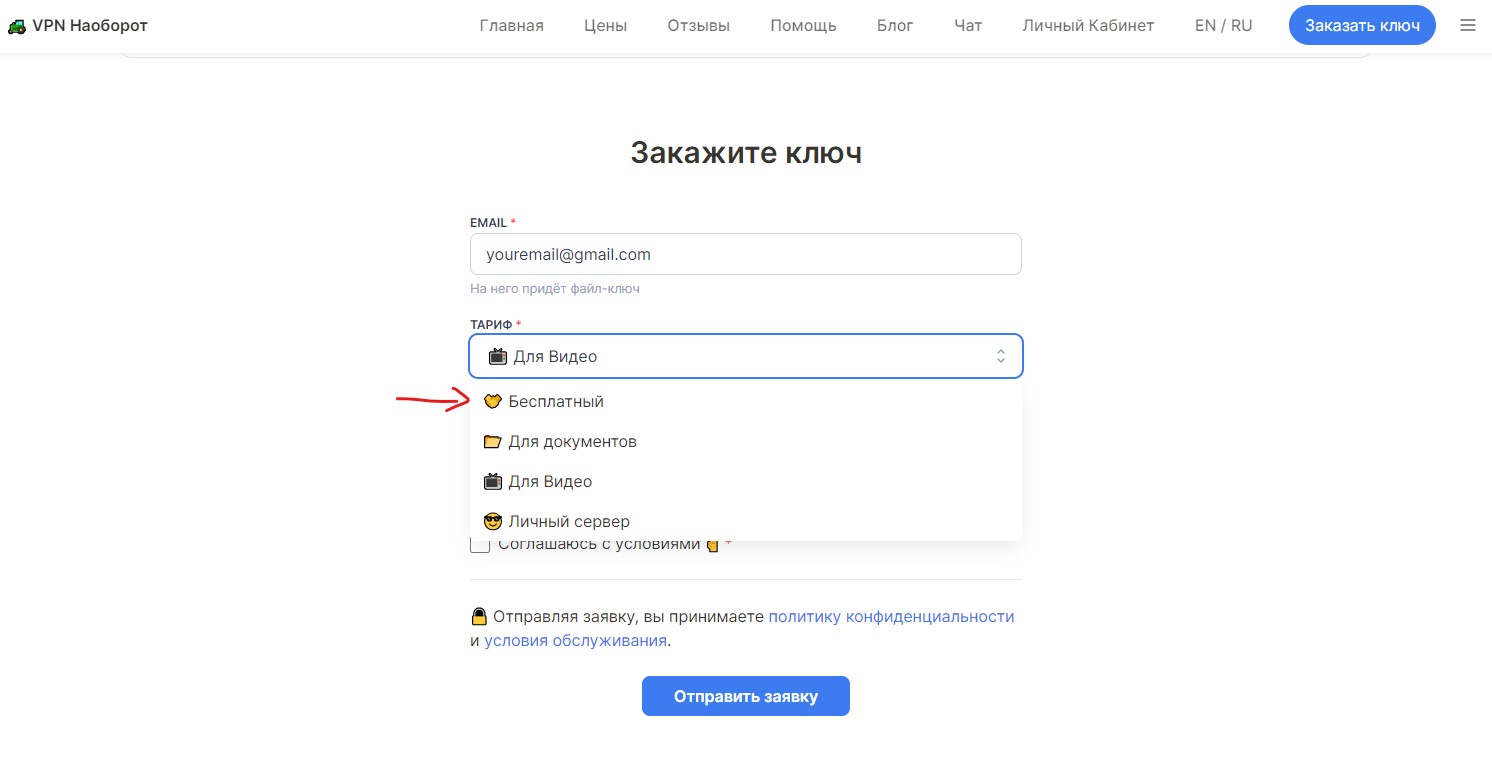
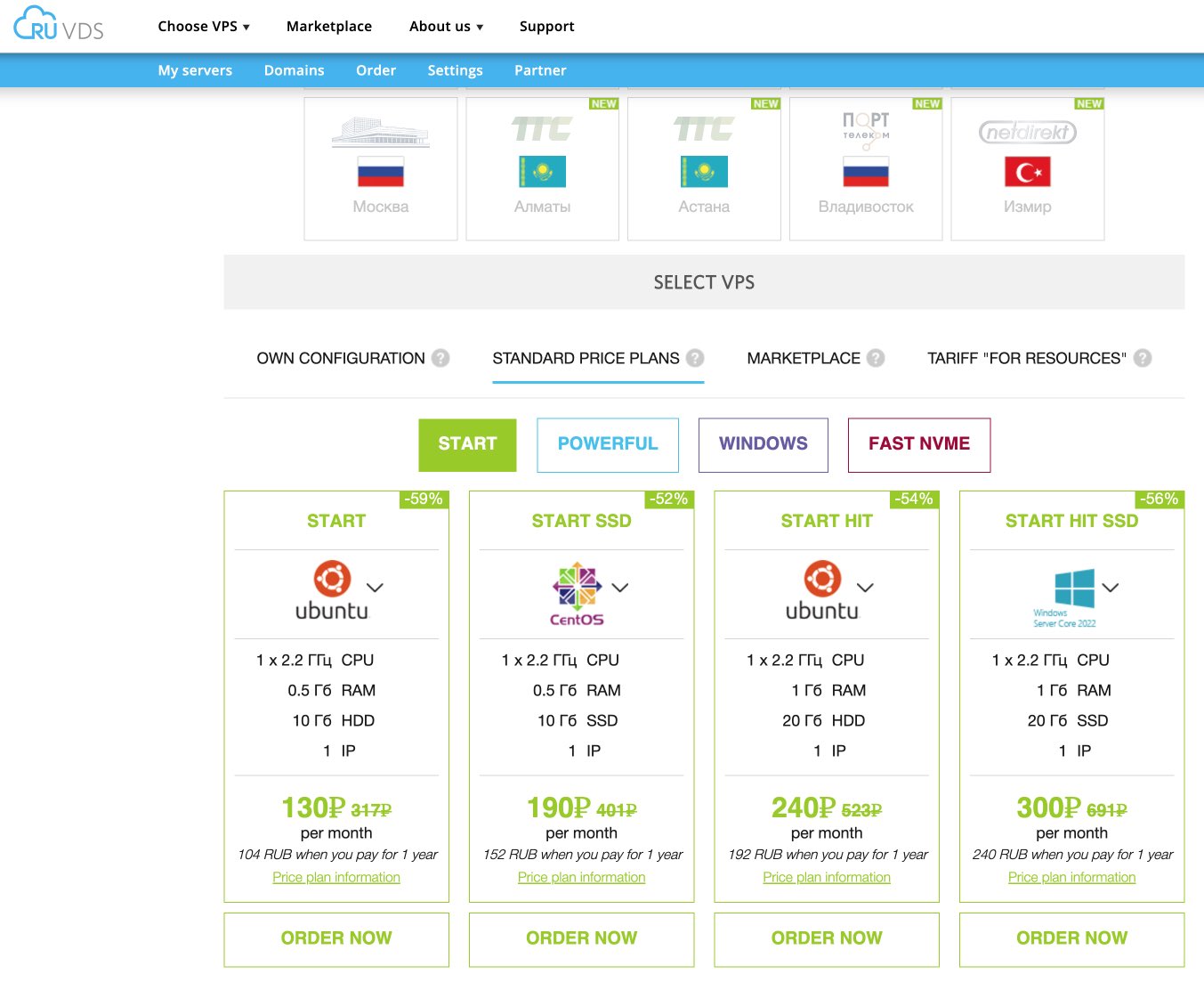
Instead of using a company’s servers (Proton, Windscribe, etc.), you rent a small server on the internet (called a VPS, “virtual private server”) and use an app that turns that server into your personal VPN. The advantage: your server isn’t on any blocklist, because it’s yours and nobody knows it’s a VPN.

The cost: between 3 and 5 euros per month for the server. The setup: the app guides you step by step.

Amnezia VPN — the most reliable option for Russia

Amnezia VPN was born in Russia, created by digital rights activists specifically to bypass Russian censorship. It’s free, open source (anyone can review that it doesn’t do anything shady), and it passed an independent security audit.

It’s the tool many people inside Russia use daily, and the one that adapts best when the government blocks new protocols, because it lets you switch “modes” with a couple of taps.

📱 How to set it up:

Step 1: Rent a server (VPS)

You need a small server outside Russia. It’s like renting a room on the internet. Popular options:

  • Hetzner (from ~4€/month, servers in Europe)
  • DigitalOcean (from ~4$/month, servers in many countries)
  • BuyVM (from ~3.50$/month)

When you sign up, choose a server with Ubuntu (the most common operating system). They’ll give you an IP address and a password. Save them.

Step 2: Download Amnezia VPN

  • Android: search for “Amnezia VPN” on Google Play, or download from amnezia.org
  • iPhone: search for “DefaultVPN” in the App Store (it’s Amnezia’s alternative iOS app in Russia)
  • Computer: download from amnezia.org

Step 3: Connect the app to your server

Open Amnezia, tap “Add server,” enter your VPS IP and password. The app installs everything automatically on the server. You don’t have to touch anything technical.

Step 4: Connect and you’re done

By default it will use the AmneziaWG protocol. If it won’t connect, go to the connection settings and enable “Use VLESS protocol.” One of the two should work.

Don’t want to set up a server? Amnezia also offers a paid service (Amnezia Premium) where they handle everything. And they have a basic free service via a Telegram bot. More info at amnezia.org.

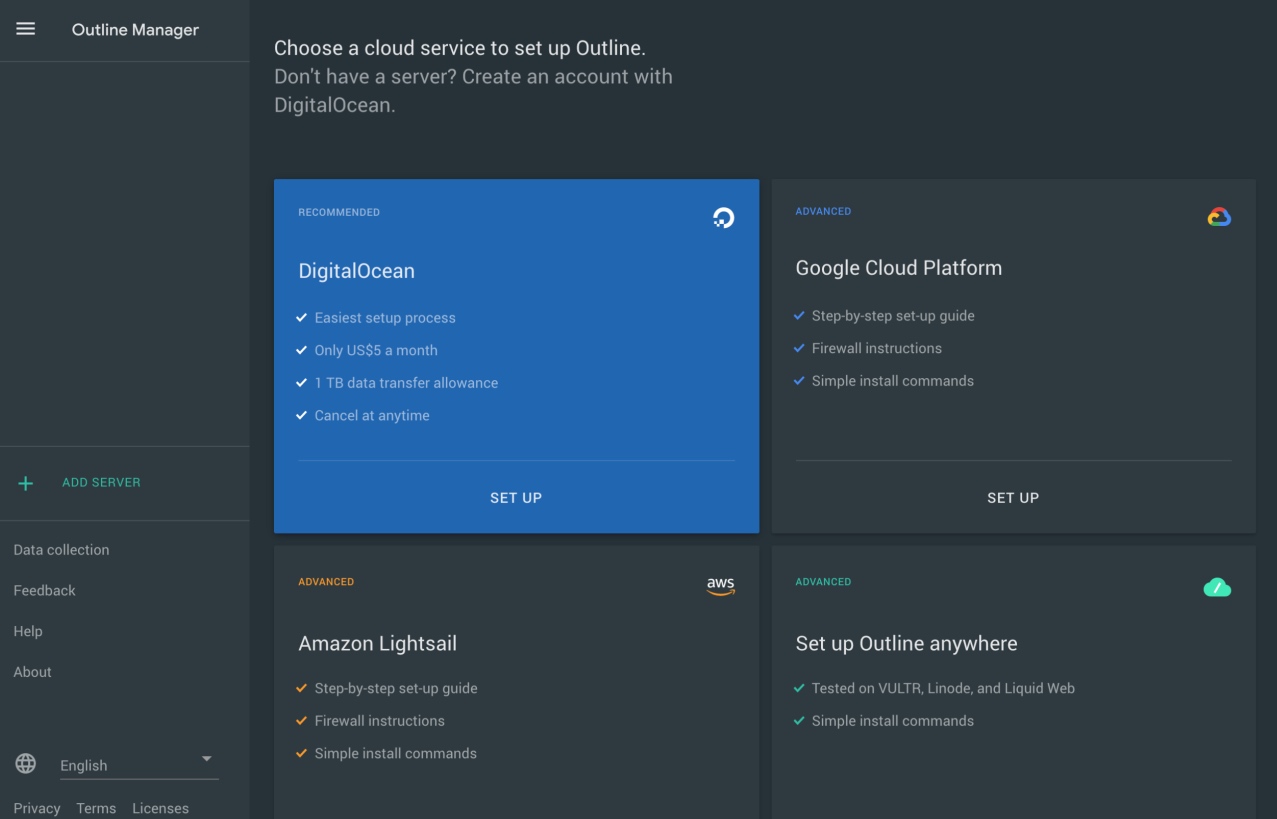
Outline VPN — the easiest alternative to set up

Outline is a project by Jigsaw (from Google). It works the same way: you rent a server, and Outline turns it into your personal VPN. The advantage is that installation is even simpler than Amnezia.

The downside: it uses a protocol called Shadowsocks that Russia has started blocking directly. It may work or it may not, depending on the time and the operator. That’s why I recommend Amnezia as the first option and Outline as a backup.

Download: getoutline.org

Emergency plan: Tor (when nothing works)

Tor is not a VPN. It’s an anonymous network that makes your connection bounce through several points around the world before reaching its destination. It’s slow (forget watching videos), but when everything else fails, it can be your last resort to access a blocked website or send a message.

Direct connections to Tor are blocked in Russia, but there are ways in:

  • Snowflake: uses other browsers as a “bridge” to connect you. It’s slow but sometimes works.
  • WebTunnel: disguises your Tor connection as if it were normal web traffic. Newer and more promising.

Download the Tor Browser from torproject.org and include Snowflake or WebTunnel bridges in the settings before you travel.

💡 Tor is for emergencies. Don’t expect to do video calls or watch YouTube with it. It’s for accessing blocked websites when nothing else works.

Why your VPN works today and not tomorrow

This happens to everyone and it’s not your fault. There are three main reasons:

1. They “caught your disguise.” The filtering system learns to recognize new VPN protocols. When it does, it cuts them off. That’s why VPNs that work keep updating their protocols constantly.

2. They blocked your server’s address. Even if your VPN disguises itself well, if the government adds your server’s address to its blacklist, you won’t connect. Commercial VPNs suffer more from this because their servers are known. Self-hosted VPNs (Amnezia) suffer less because your server is anonymous.

3. You’re in a “total shutdown” moment. In exceptional situations (political events, “security drills”), some regions of Russia enter a mode where only Russian services work (Yandex, Sberbank, etc.). Everything outside gets cut off. When this happens, you simply have to wait.

✅ What to do when your VPN stops working:

1. Switch protocols inside the app (from Stealth to WireGuard, or from AmneziaWG to VLESS).

2. Try another server.

3. Switch networks: if you’re on WiFi, try mobile data (or the other way around).

4. If nothing works, try your second VPN or Tor.

5. If absolutely nothing works, wait. Sometimes blocks last hours, not days.

One important detail: mobile networks tend to be more aggressive than WiFi. Operators like MTS apply tougher filters. If your VPN won’t connect on mobile data, try WiFi.

Checklist: what you need to do BEFORE entering Russia

This list is the most important part of the article. Save it or print it.

CHECKLIST FOR TRAVELERS (short stay)

☐ Download and install Proton VPN (or Windscribe) on your phone and/or laptop.

☐ Create your account and test that it connects with Stealth enabled.

☐ If you have an iPhone: make sure the app is installed (you won’t be able to download it from the Russian App Store).

☐ Save the installer file (APK on Android) on your phone in case you need to reinstall.

☐ Install Tor Browser as an emergency plan and set up Snowflake bridges.

☐ Write down your VPN’s support email in case you need help while you’re there.

CHECKLIST FOR RESIDENTS / LONG STAY

☐ Everything above, plus:

☐ Rent a VPS (Hetzner, DigitalOcean, or similar) and save the login details.

☐ Install Amnezia VPN and set it up with your VPS.

☐ Test that it works with both AmneziaWG and VLESS (so you have a Plan B).

☐ Save your Amnezia keys and configurations locally (not only in the cloud).

☐ Join Amnezia’s Telegram channel to stay up to date on changes and issues.

☐ Keep Proton VPN or Windscribe as a commercial backup in case your VPS has problems.

☐ Consider having two VPSs with different providers/countries in case one gets blocked.

Summary table: what to use depending on your situation

VPNTypeProtocolPriceIdeal forStrong point
Proton VPNCommercialStealthFree / paidTourists / AbroadMost versatile
WindscribeCommercialStealth + AWGFree 10GB/monthTourists / AbroadGood free plan
CyberGhostCommercialWireGuardFrom 2€/monthAccess from abroad60+ RU servers
MullvadCommercialWireGuard/QUIC5€/monthTouristsMaximum privacy
AdGuard VPNCommercialTrustTunnelFree / paidTourists / AbroadIf you already use AdGuard
Amnezia VPNSelf-hostedAWG + VLESSFree / VPSResidentsMost reliable
OutlineSelf-hostedShadowsocksFree / VPSResidentsEasy to set up
TorAnonymous networkSnowflakeFreeEmergencyLast resort

Frequently asked questions

Is it illegal to use a VPN in Russia?

Not exactly. Using a VPN isn’t illegal in itself. What’s illegal is using it to access content the government has blocked. In practice, millions of people do it daily and Russia doesn’t go after individual users for it. Their strategy is to block the tools, not punish the people using them. As a foreign traveler, the risk is minimal, but use common sense: don’t post on social media about how you’re bypassing blocks while you’re there.

Can I download a VPN once I’m in Russia?

Probably not. Many VPN apps have been removed from the Russian App Store, and some from Google Play as well. Providers’ websites are often blocked. Rule number one is: download everything before you travel. If you’re already there, try the Proton VPN Chrome extension, which is sometimes still accessible, or ask someone outside Russia to send you the installer file.

My VPN connected yesterday and today it doesn’t. What do I do?

That’s normal. Switch protocols in the app settings (from Stealth to another mode, or from AmneziaWG to VLESS), try another server, and switch from WiFi to mobile data or the other way around. If nothing works, try your second VPN or Tor as a last resort.

Mobile data or WiFi? Which works better?

It depends on the moment and the operator. Mobile networks from major operators (MTS, Megafon, Beeline) tend to apply more aggressive filters. Hotel WiFi can be better or worse. My advice: have both options available and test. Sometimes the solution is simply switching connection type.

Do NordVPN or ExpressVPN work in Russia?

Both were banned in 2021 and their apps removed from Russian app stores. Some users manage to connect to specific servers, but it’s not a reliable solution. I wouldn’t recommend them as a first option for 2026.

Is setting up my own VPN very complicated?

With Amnezia VPN, no. The app asks for your server address and password, and it takes care of installing and configuring everything automatically. If you can follow a 10-minute tutorial, you can do it. And if not even that, Amnezia has a paid service (Premium) that does everything for you.

What’s going on with YouTube in Russia?

YouTube isn’t officially blocked, but it’s been so heavily throttled since July 2024 that it’s practically unusable without a VPN. With a working VPN, it runs perfectly.

And what about WhatsApp, Instagram, Facebook?

Facebook and Instagram have been blocked since 2022 (classified as “extremist”). WhatsApp since 2025. Telegram works without issues. With a VPN you can access everything.

Can the hotel see that I’m using a VPN?

If your VPN uses Stealth mode or obfuscation, your traffic looks like normal web browsing. They shouldn’t be able to tell. If you use a protocol without obfuscation, then yes, they could detect it.

Why can’t I access rzd.ru from Europe?

After cyberattacks related to the war in Ukraine, many Russian websites (rzd.ru, mos.ru, pochta.ru, and others) blocked access from foreign IP addresses. It’s not your internet provider blocking it: it’s the Russian website itself rejecting your connection. To access it, you need a VPN with servers in Russia that gives you a Russian IP.

Can I buy train tickets on rzd.ru with a VPN?

You can view schedules and prices without any problem. But to pay, you need a bank card issued in Russia. Visa, Mastercard, and American Express cards issued outside Russia stopped working there after the 2022 sanctions. Alternatives: ask someone in Russia to buy the ticket for you, use a travel agency, or buy it directly at the station when you arrive.

Do I need a paid VPN to access Russian websites from abroad?

For something occasional (checking schedules, looking at prices), a free browser extension with a Russian server can work. But for shopping, signing up for services, or sending personal data, it’s better to use a reliable paid VPN like Proton VPN or CyberGhost, which encrypts your connection and protects your data.

How much does all of this cost?

For travelers in Russia: free. Proton VPN and Windscribe have free plans with Stealth. To access Russian websites from abroad: you need a paid plan (from ~2€/month with CyberGhost, ~5€/month with Proton). For residents: the cost of a VPS for Amnezia is 3–5€/month. Paid commercial VPNs are usually around 5–10€/month.

Legal notice and digital security

This article is informational and is written from the perspective of a traveler who needs access to their usual services (email, social media, online banking, communication with family) during their stay in Russia. I do not promote the use of VPNs to access illegal content.

Things worth knowing:

  • Since March 2024, it’s prohibited in Russia to share information about tools used to bypass blocks. As a traveler, your risk is minimal, but don’t post on Russian social networks about how you’re getting around blocks.
  • Since September 2025, there are fines for advertising VPNs in Russia.
  • If your trip involves journalistic work, activism, or any sensitive activity, consult organizations like Access Now or the EFF before traveling.

Final words

The internet in Russia in 2026 isn’t what it used to be. But with a bit of preparation, you can access your services, communicate normally, and keep your privacy. The key comes down to three things: prepare everything before you travel, bring at least two options (one easy and one backup), and don’t get frustrated if something fails.

If something doesn’t work, remember: switch protocols, switch networks, try your other VPN. There’s always a way.

— This article is updated regularly. Last review: February 2026. If something has changed, send me a message through the contact form and I’ll update it.

The most complete and up-to-date guide for traveling to Russia

If you found this article helpful, the Russiable Guide goes one step further than the blog.

Unlike individual blog articles, the guide brings together all practical information, organized step by step, with constantly updated data and additional content not published on the blog, specifically designed to help you plan a trip to Russia without mistakes or last-minute surprises.

It is available as an interactive web guide—always updated whenever changes occur—and also as a downloadable PDF of over 1,000 pages, with lifetime access to all updates.

GET THE GUIDE & START PLANNING

Russiable Guide – updated travel guide to Russia

More to Explore