
What Apps to Use in Russia (When Google, Uber or Booking Don’t Work)
 By Irena Domingo
Updated on
In This Article
To travel to Russia in 2026 you need, at the very least, Yandex Maps to find your way, Yandex Go for taxis, a translator with Russian downloaded, a VPN that actually works and a messaging app that doesn’t depend on it, like IMO. Google Maps, Uber, Booking or your Visa and Mastercard cards won’t help you, and WhatsApp and Telegram are blocked or close to it.
I’ll walk you through it by category, with what really works right now and what almost 200 readers told me in my October 2026 survey. Many of the useful apps are made by Yandex, the Russian equivalent of Google.
This is step 8 of my guide to planning a trip to Russia in 10 steps, where you’ll find everything else in order.
✅ The essentials
- Install everything at home, from your own country’s app store: in Russia you may have no data, or the app may not show up.
- Download the maps and the Russian language pack for your translator so you can use them offline.
- Turn off your VPN when using Russian apps (Yandex, banks): with it on, they often don’t work.
- Carry cash for taxis: Yandex Go doesn’t accept foreign cards.
- Have a VPN and an app like IMO to talk to your family: WhatsApp has been blocked since February 2026.

1. To find your way: maps and public transport
🗺️ Yandex Maps
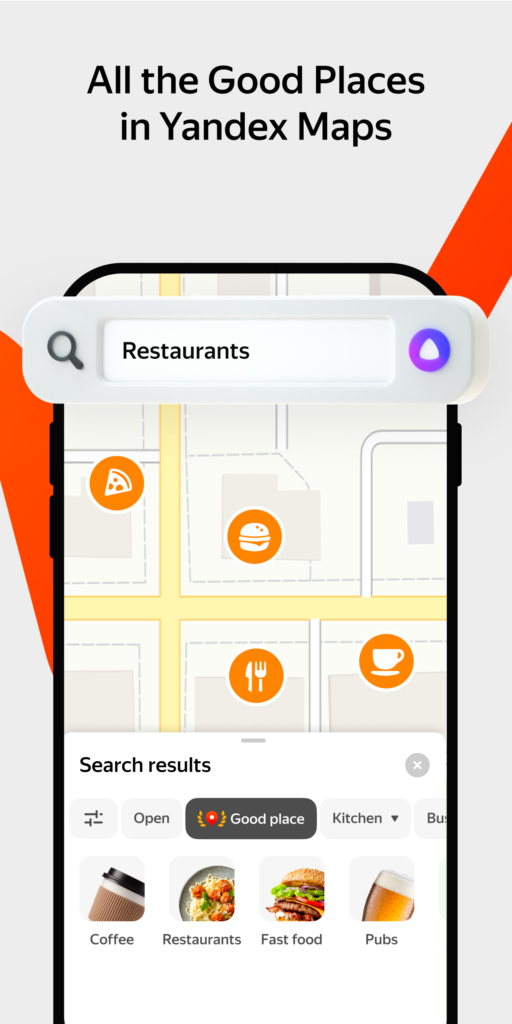
It’s the Russian Google Maps, with more detail and better information for getting around the country. It plans routes by car, on foot and by public transport with real-time schedules, and you can use it to find restaurants, pharmacies or shops.
✔ In English
✔ Since September 2026 it works offline for all routes, public transport included, as long as you download the city map beforehand
✔ It has a “Step by step” mode for when GPS fails, which happens a lot in central Moscow
⭢️ Essential. Install it no matter what.
📍 2GIS
The alternative to Yandex Maps, great offline and incredibly detailed: it tells you which door to use to get into a building or which floor of a mall a shop is on.
⚠️ It isn’t on the App Store in Europe or the US, so it’s only an option if you have Android.
Why GPS fails in Russia and how to get your maps ready, I explain in my guide to GPS and maps in Russia.
🚇 Yandex Metro
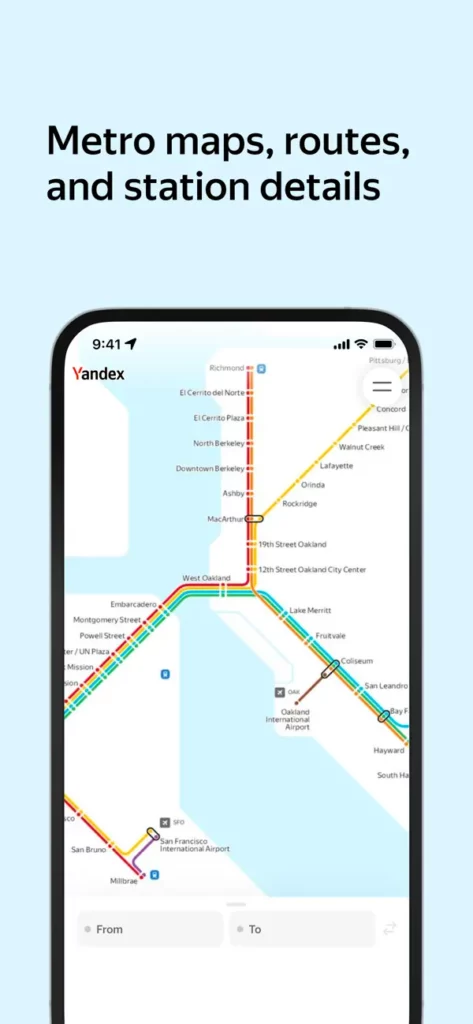
Perfect for getting around the metro in Moscow, Saint Petersburg or any city with a subway. It plans your trip, estimates the travel time and tells you which car to board. Better than the official app, because it comes in English.
✔ Works offline
✔ Simple interface in English
2. To get around Russia: taxis, trains and flights
🚖 Yandex Go
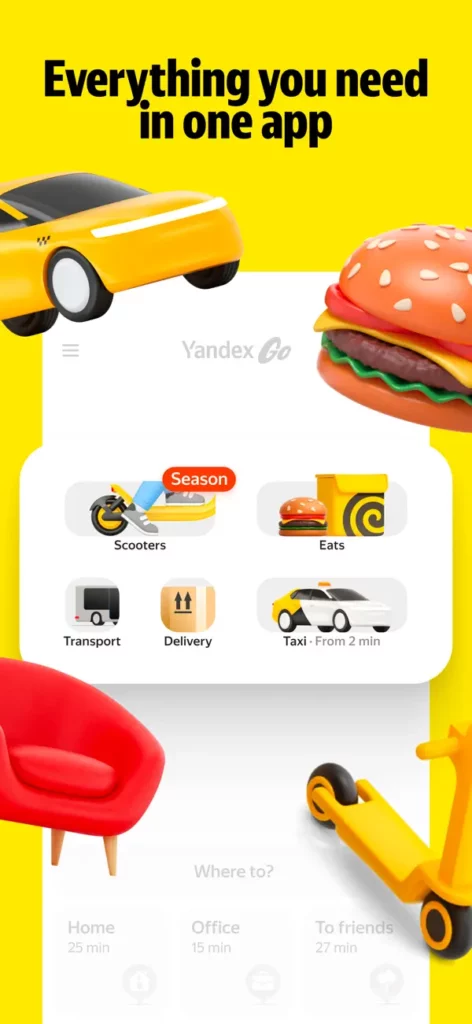
The app for ordering taxis in Russia. It’s like Uber, which no longer works in the country. You can also use it to order food delivery.
✔ App in English
✔ You can pay in cash
⚠️ It doesn’t accept foreign Visa or Mastercard cards
⚠️ If GPS fails, the car may go to pick you up somewhere else: type in your pickup address by hand
⭢️ Tip: always choose “pay in cash” and turn off your VPN if the app won’t load.
If you’d rather get from the airport or the station at a fixed price paid with your own card, you can book a transfer. And everything about catching taxis is in my guide to taxis in Russia.
🚆 RZD app (Russian Railways)
The official app of the Russian railways. It’s great for checking schedules, prices and train types, for example the Sapsan between Moscow and Saint Petersburg or the Trans-Siberian. To buy tickets, though, you need a Russian card.
⭢️ To buy tickets with a foreign card, I explain your options in how to buy train tickets in Russia and on my page about RussianTrain.
✈️ Aviasales
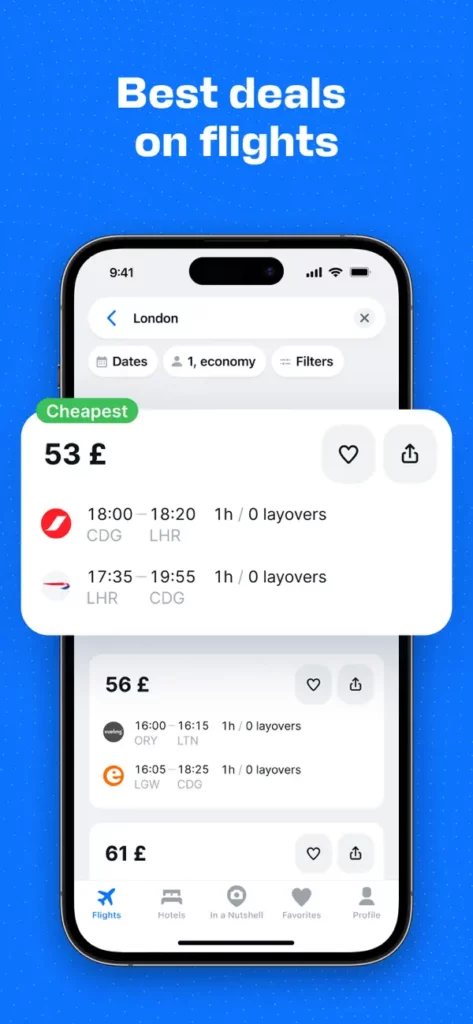
If you’re going to fly within Russia, Aviasales is the most complete flight search engine: it brings together Russian and foreign airlines and shows you the best combinations and prices.
✔ Available in several languages
⭢️ How to book and pay for flights with a foreign card is on my flights to Russia page.
3. To find and book accommodation
🏨 Ostrovok (ZenHotels)
Booking doesn’t work in Russia. The platform I use is Ostrovok, the biggest one in the country, whose international version is called ZenHotels and accepts foreign Visa and Mastercard cards.
✔ You pay with your usual card
✔ Interface in several languages
⭢️ I explain how to book step by step on my page about booking hotels in Russia with a foreign card.
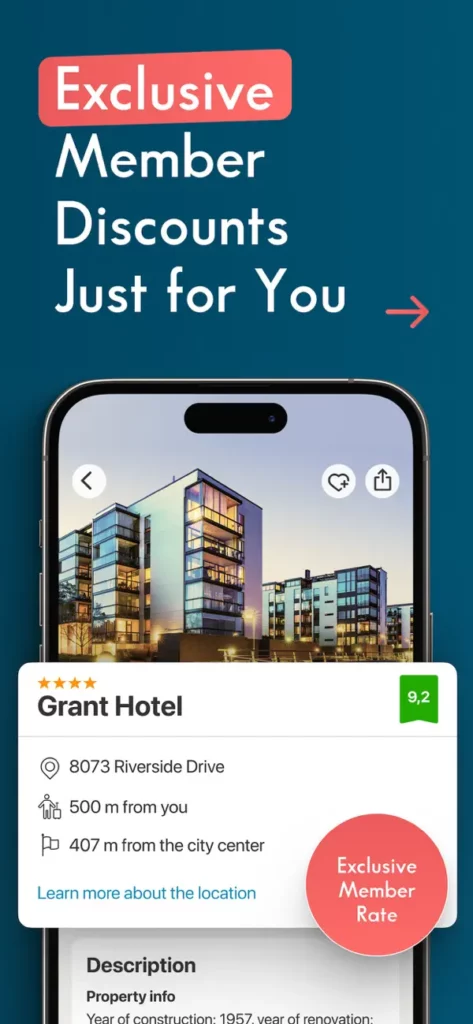
🏠 Sutochno
Sutochno is the “Russian Airbnb”: you rent apartments directly from their owners.
✔ App in Russian and English
⚠️ It usually only takes Russian cards, although you can agree with the host to pay in cash
⭢️ It’s all explained in how to rent apartments in Russia with a foreign card.
4. To understand and be understood: translation and language
🔤 Google Translate and Yandex Translate
Both work in Russia and, most importantly, they also work offline if you download the Russian pack beforehand. With your phone camera they translate signs, menus and boards instantly.
✔ Google Translate: more offline languages
✔ Yandex Translate: very good with colloquial Russian; photo and voice translation also work offline
⭢️ Tip: download Russian in both before you leave. If you ever find yourself without data, they’re the ones that will get you out of trouble.
🤖 ChatGPT and other AI tools
They’re very useful for making sense of a document or a tricky sign, but be careful: ChatGPT isn’t available from Russia and only works with a VPN that routes you outside the country. Don’t count on it as your main translator.
More tricks for getting by without speaking Russian are in my article on how to communicate in Russia without speaking Russian.
5. To pay with a MIR card
Foreign Visa and Mastercard cards haven’t worked in Russia since 2022. If you get a Russian bank card during your trip, you’ll also need its app to manage it from your phone:
💳 T-Bank app (formerly Tinkoff)
T-Bank is one of the banks foreigners use most in Russia. With its app you activate your MIR card, check your transactions, top up your balance and pay with your phone.
✔ App in Russian and English
⚠️ It’s not on the App Store: on iPhone you use the web version in your browser
⭢️ How to get the card is in Russian MIR card for foreigners, and how to pay with your phone in Mir Pay.
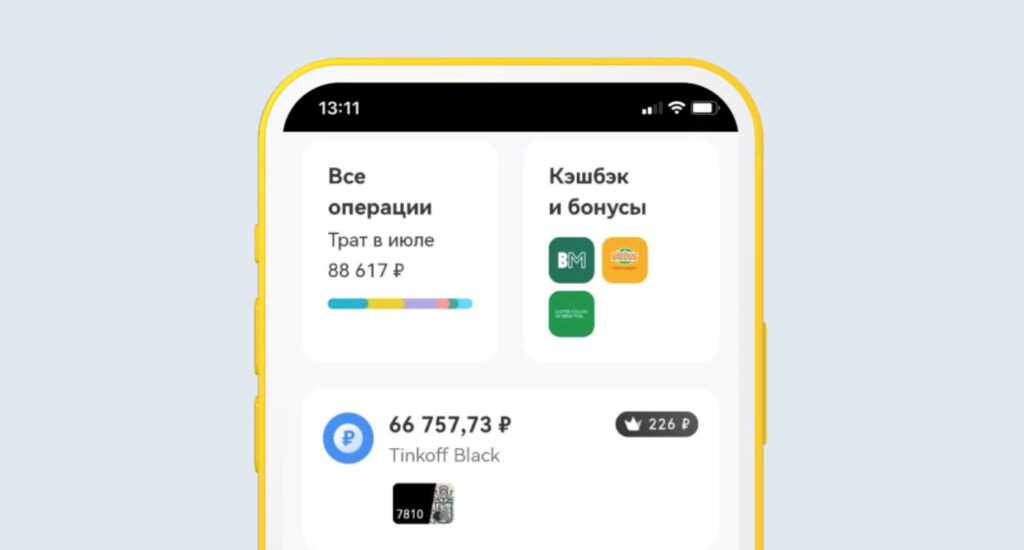
💳 YooMoney app
If you choose a virtual or physical card from YooMoney, which is very handy for online shopping and payments in Russia, you’ll need its app to check your balance, generate cards and block them.
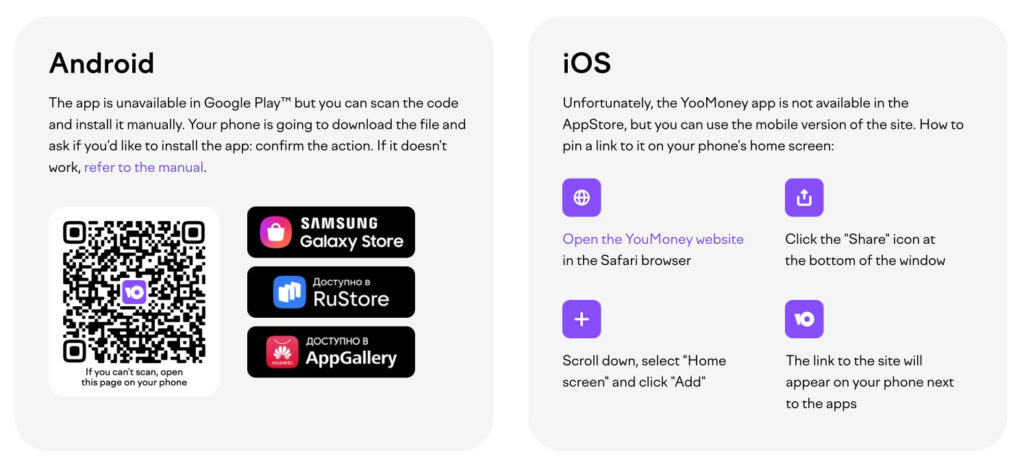
✔ On Android you install it manually from the APK file
✔ On iOS you use the web version in your browser
6. To stay in touch
This is where things have changed the most in 2026:
- WhatsApp has been blocked since February 2026 and only works on and off or with a VPN. I explain it all in my article on WhatsApp in Russia.
- Telegram is still the app Russians use most, but it’s heavily slowed down and calls don’t work without a VPN. It’s all in Telegram in Russia.
- IMO works in Russia without a VPN, with messages, calls and video calls, and you can download it from your usual app store. It’s the one I recommend for talking to your family. Other options are in how to make video calls with Russia.
- MAX is the new Russian messaging app, the one some Russians or official services will ask you for. You don’t need it as a tourist, but I explain what it is in MAX, the Russian app.
✈️ Telegram
Even slowed down, take it with you: it’s the app everyone in Russia uses to communicate and the one with channels full of practical information. If you make friends with someone, they’ll ask you: “Do you have Telegram?”
🌐 VPN
For WhatsApp, Instagram, Facebook or X you need a VPN, and not all of them work in Russia. Which one to use and how to set it up before you travel, I tell you in my guide to VPNs for Russia.
7. To get online
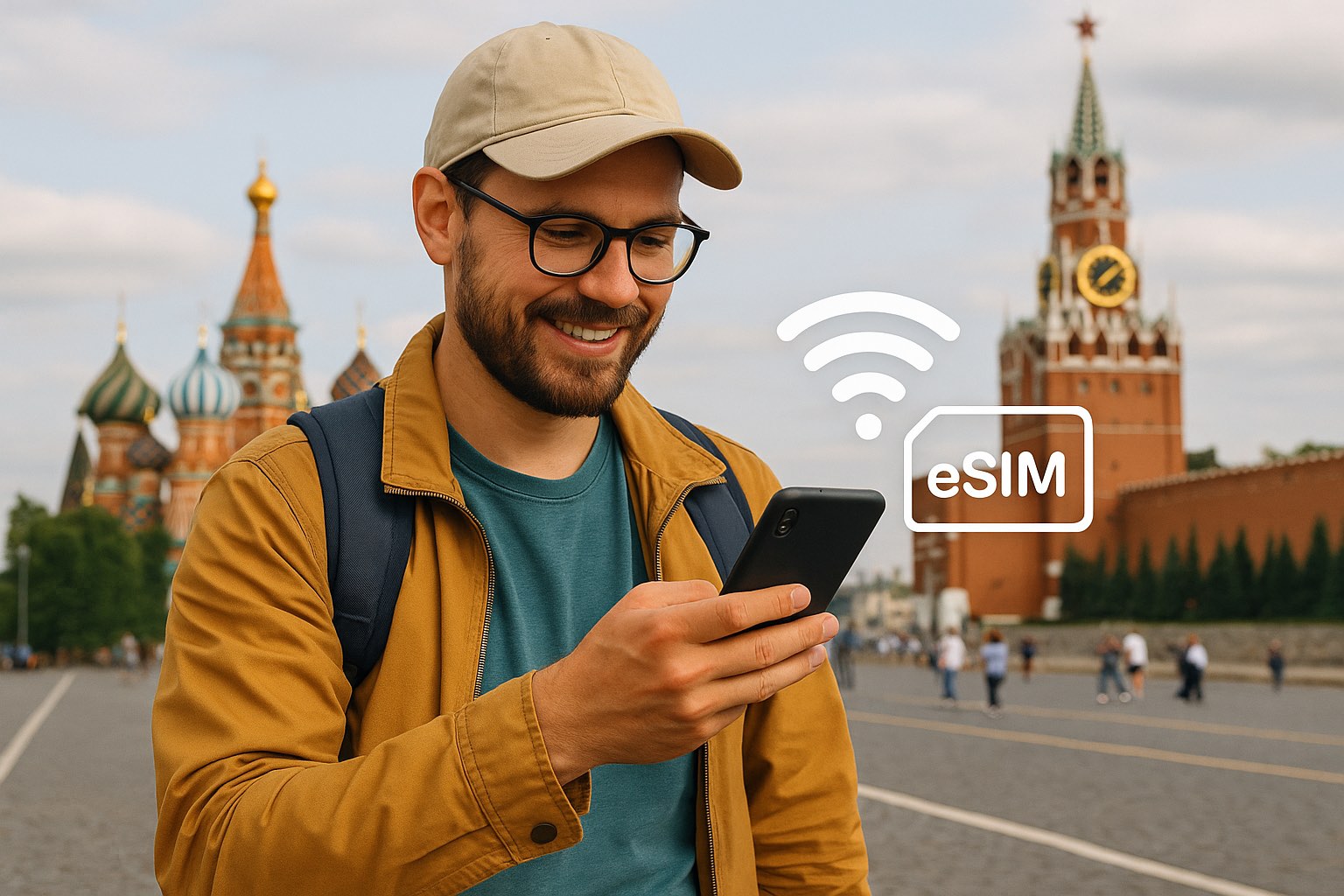
📶 eSIM
The easiest option is to bring a foreign eSIM installed at home, like Yesim with unlimited data. When you arrive, mobile internet is blocked for 24 hours, but you can lift the block in a few minutes: the step-by-step guide is in how to remove the 24-hour block.
Keep in mind that in 2026 there are frequent mobile internet outages in many regions. That’s why I keep insisting you download your maps and translator before you leave.
Frequently asked questions
Which apps should I download before traveling to Russia?
At the very least Yandex Maps, Yandex Metro, Yandex Go, a translator with Russian downloaded, a VPN that works in Russia and a messaging app that doesn’t depend on it, like IMO. Install them at home, from your own country’s app store.
Does Google Maps work in Russia?
Yes, it isn’t blocked, but its information on shops and public transport is less up to date than Yandex Maps or 2GIS, which are the ones Russians themselves use.
Does Uber work in Russia?
No. In Russia people use Yandex Go, which works like Uber. It doesn’t accept foreign cards, so you’ll have to pay in cash.
Does WhatsApp work in Russia?
It has been blocked since February 2026 and only works on and off or with a VPN. To talk to your family without a VPN, the most stable option right now is IMO.
Can I use ChatGPT in Russia?
Only with a VPN that routes you outside the country, because ChatGPT isn’t available from Russia. As a translator, you’re better off with Google Translate or Yandex Translate with Russian downloaded.
Your phone is ready for the trip! In Russia your usual apps might not work, but with these you’ll have no shortage of trains, borscht or Wi-Fi.
Do you use an app in Russia that isn’t listed here? Tell me about it and I’ll add it for future travelers.
In This Article
Was this useful? I'll tell you when something changes in Russia
One short email a month with what has changed for travellers (visas, payments, border crossings, apps), based on what readers report to me from Russia. More than 4,000 of us already. No spam: if you ever lose interest, unsubscribing is one click.
Irena DomingoAbout Me
I was born in Russia. I grew up between two worlds: my father was Russian, my mother Spanish — a descendant of the "Children of Russia", the Basque children evacuated to the USSR during the Spanish Civil War. I've worked as a translator, interpreter and Russian teacher for over 30 years, and since 2013 I've been writing this blog to help travelers discover Russia with practical, always up-to-date information. Author of the Russiable Guide. If this blog has helped you plan your trip, you can buy me a coffee ❤️.
 The Best eSIMs for Russia: Which Ones Actually Work, According to Travelers
 Saily and Airalo in Russia: Do They Work in 2026? (and the alternative that does)
 How to Buy a Russian SIM Card as a Foreigner in 2026