
How to Pay in Russia in 2026: What Works and What Doesn’t
 By Irena Domingo
Updated on
In This Article
Since 2022, Visa, Mastercard, Maestro, JCB and American Express cards issued outside Russia don’t work inside the country: not for paying in a shop, not for withdrawing cash from an ATM. Today you have three real options for paying in Russia: bringing cash, ordering a YooMoney MIR card before you travel and having it posted to your home, or opening a Russian card (T-Bank) once you’re in the country. Pay in Russia, which until August 2026 was the most convenient route, no longer accepts Western cards, and Chinese UnionPay cards aren’t reliable either.
This is step 7 of my guide to planning a trip to Russia in 10 steps, where you’ll find everything else in order.
If you want the short version: for a short trip, the simplest thing is to bring cash in immaculate banknotes and exchange it there. If you’d rather arrive with a card that already works, order the YooMoney MIR card in good time: they post it to you in a few weeks. For a long stay, or if you’re after the best exchange rate, the best option is still the T-Bank card, which you arrange once you’re in Russia. And watch out with Pay in Russia: you can no longer top it up with Visa or Mastercard. Below I explain each option in detail, with up-to-date information.
1. In Russia you have to pay in rubles
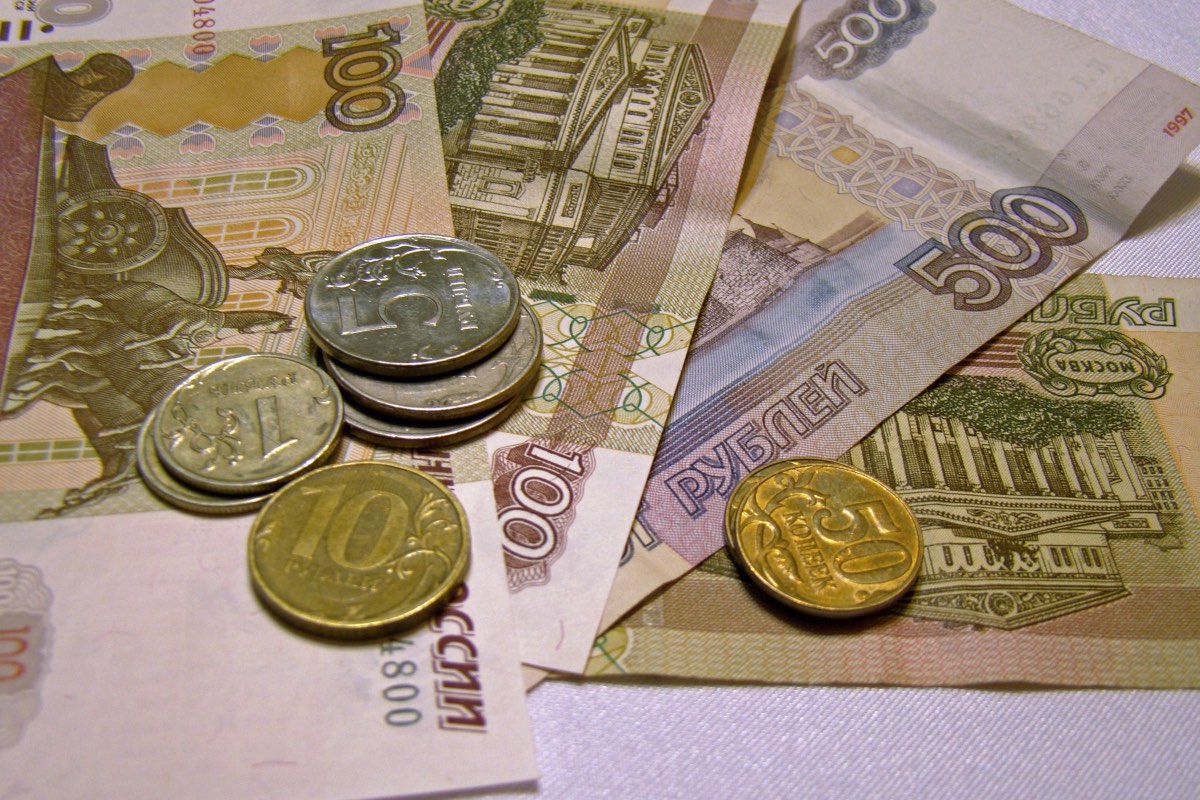
The first thing to be clear about is that, whether you pay in cash or by card, in Russia you can only legally pay in rubles. Neither euros, nor dollars, nor any other foreign currency are accepted as payment in shops, hotels or restaurants. Paying in rubles is mandatory, no exceptions.
That means that, as a foreign traveller, you’ll have to convert your money into rubles at some point during the trip, either by exchanging cash or by topping up a card that works inside the Russian system. And in practice, the way you convert your money into rubles has a big impact on the final cost of your trip: between the worst and the best method there can easily be a 10% difference.
In recent years the ruble has swung sharply against the euro and the dollar, so beyond the “official” exchange rate, what really matters to you is which payment method you use and when you convert your money into rubles. Exchanging cash at a Russian bank, topping up a Russian card once you’re in the country, or loading a balance from abroad through an intermediary are three very different things.
It’s also worth remembering that, after the international sanctions, Visa, Mastercard, Maestro, JCB and American Express cards issued outside Russia don’t work inside the country. Cards issued by Russian banks, on the other hand, keep working perfectly normally, although almost always only inside Russia.
The information you’ll find here is based on official sources, on the real experience of travellers who write to me, and on my own experience testing each of these options.
2. The options for paying in Russia today (and the ones that no longer work)
Before the sanctions, paying in Russia was simple: you just used a foreign Visa or Mastercard, took money out of any ATM, or used PayPal, Revolut or Wise. For travellers, Russia worked like any other European destination.
That situation has changed completely. Today cards issued outside Russia don’t work inside the country, neither for paying in shops nor for withdrawing cash. The main Western financial services don’t operate there either, nor do the usual mobile payment systems.
Even so, travelling to Russia is still perfectly doable, as long as you know which alternatives actually exist. The problem is that many of the options still mentioned online either no longer work or work in a very limited way, and some change from one month to the next, as has happened with Pay in Russia.
I’ll go through them from most to least useful in practice, exactly as I’d recommend them today to a friend who’s about to travel.
Option 1. Bring cash
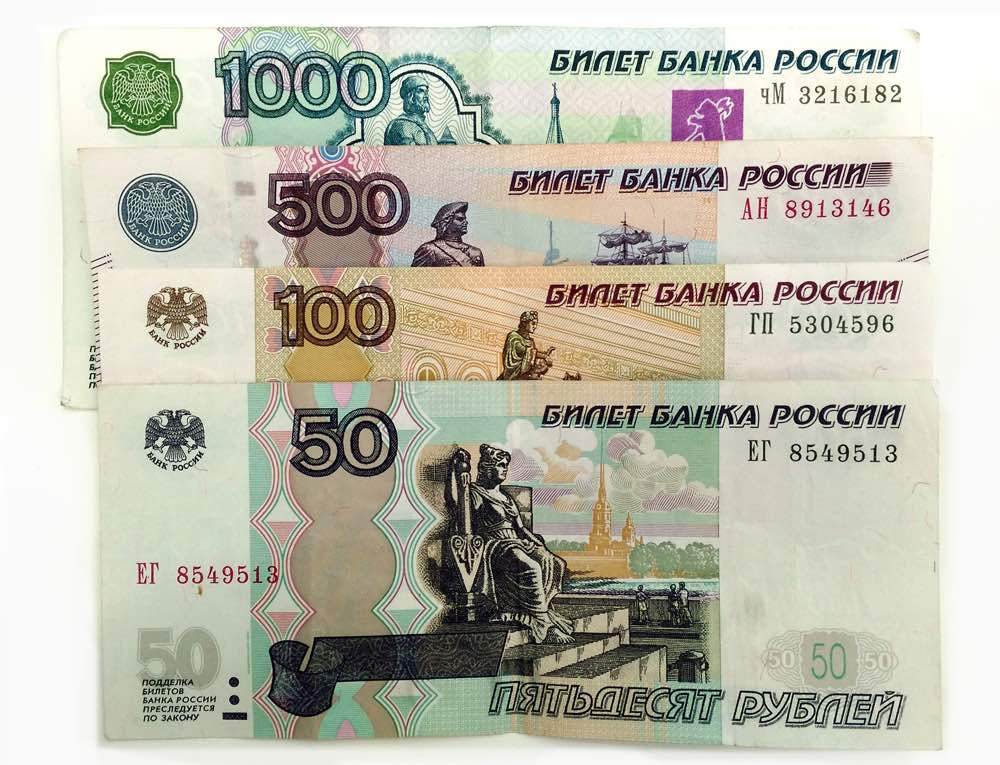
Bringing cash is still, to this day, the safest option and in many cases an essential one. Most travellers choose to bring euros or dollars and exchange them for rubles once they’re in the country, especially if the trip is short or they’d rather not deal with paperwork.
The general advice is to exchange your money in Russia itself, because the rate is usually better than outside the country and there are plenty of banks and exchange offices in Moscow, St. Petersburg and the regional capitals. Buying rubles before you travel only makes sense to have a small initial amount to cover your first expenses (taxi, food or airport purchases).
If you decide to bring cash, keep these points in mind:
- You can enter Russia with up to the equivalent of 10,000 USD in cash without declaring it. The limit applies per person. If you bring more, you’ll have to declare it at customs on arrival.
- Your banknotes have to be immaculate. This is the problem travellers write to me about most: Russian banks reject notes over a folded corner, a stain or an older series design, and some people have ended up unable to exchange a third of what they brought. On top of that, above 40,000 rubles per transaction they’ll ask for your passport. I explain it all here: why Russian banks reject your banknotes (and how much you can exchange at once).
- The exchange rate varies quite a lot from one place to another. In general, small banks and some exchange offices in shopping centres offer better rates than airport counters or the ones in the tourist centre. There are websites that publish each bank’s rates, so you can pick the one paying best.
- Avoid exchanging large amounts at the airport, where the rate is usually worse. Change only what you need for your first expenses.
Cash works well, but it has its limits: it means carrying a fair amount of money on you, with the risk of loss or theft, and it’s no use for paying anything online (train tickets, museums, apartments). My advice is to combine it with a MIR card if you can get one.
Pros: simplicity and direct control over your spending; you don’t depend on cards or apps.
Cons: risk of loss or theft, rejected notes if they’re in poor condition, and no way of paying online.
Option 2. A YooMoney MIR card before you travel (sent to you by post)
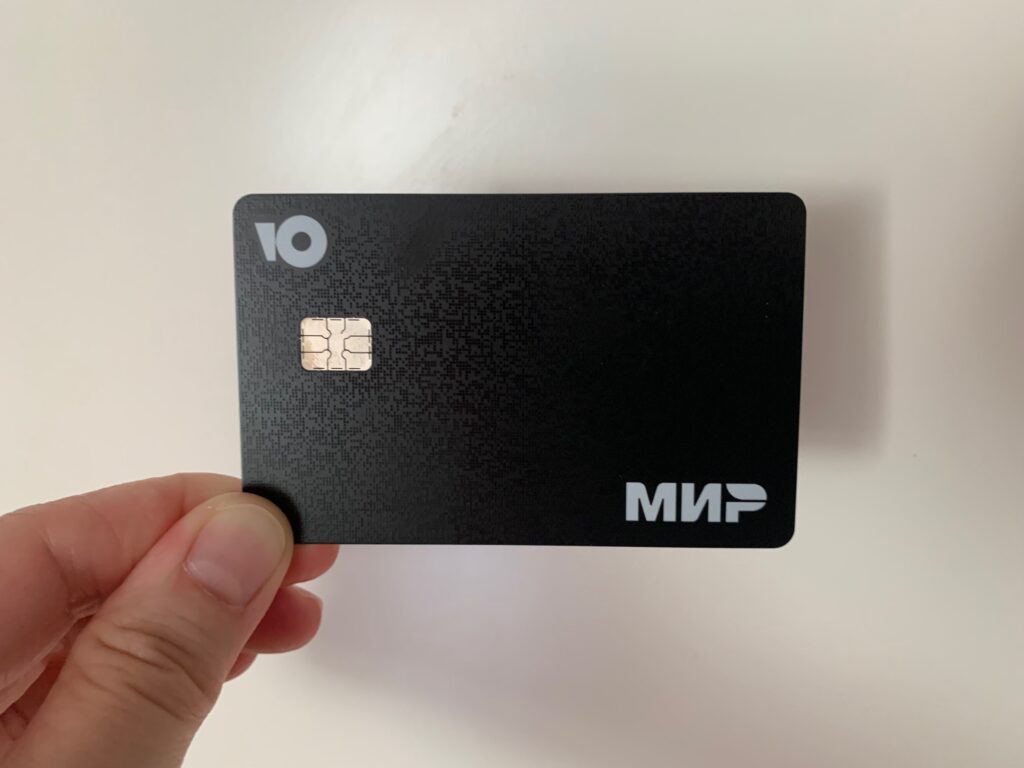
If you want to arrive in Russia with a card that already works, the route left today is the YooMoney MIR card. YooMoney is a Russian financial service (part of the Sberbank group) that opens an e-wallet for you with a virtual MIR card and, on top of that, posts the physical card to your country.
This is how I did it from Spain:
- Registration on the YooMoney website with your foreign mobile number and an email. You don’t need a Russian number.
- Remote verification with a selfie and your passport from the app. Once verified, the limit goes up to 500,000 rubles.
- Topping up the wallet to pay the 799 rubles for posting the card.
- Ordering the physical card to your postal address. Mine arrived in 16 days; YooMoney talks about 2 to 6 weeks, so order it well in advance.
With it you can pay in shops, online and contactless, and you can withdraw rubles from ATMs, something no virtual card allows. But it has its weak points, and it’s worth knowing them:
- You can’t open it from every country. Registration depends on your phone number and country of residence, and from some countries you simply can’t complete sign-up.
- Verification can get stuck. The SMS sometimes doesn’t arrive on foreign numbers, and the passport scan took me several attempts.
- Topping up from abroad doesn’t always work. I managed to top up with a Visa, but not with a Mastercard or a UnionPay, and the exchange rate isn’t great. If your card doesn’t go through, the alternative is an exchanger, which adds a step and a fee. I tell you everything in the article.
If you have time before your trip, it’s worth a try: I explain the whole process, with screenshots of every step, in YooMoney MIR card: how to get one as a foreigner.
Pros: you get it without travelling to Russia, it’s a physical MIR card, it lets you withdraw cash and you can top it up with cash once you’re in Russia.
Cons: delivery takes weeks, you can’t open it from every country and topping up with a foreign card only works sometimes.
Option 3. Opening a MIR card directly in Russia (T-Bank)
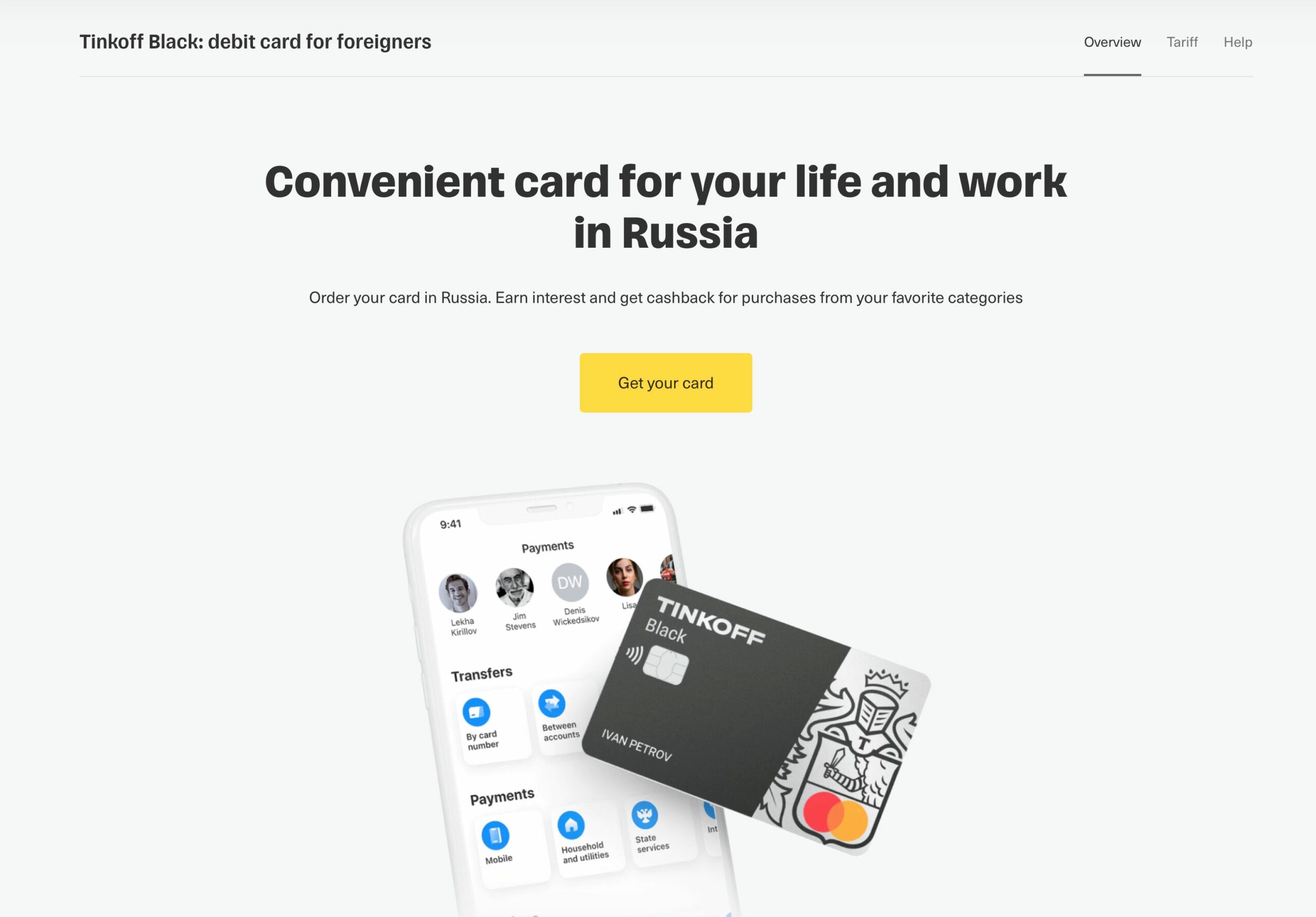
For long stays, frequent trips, or if you’re after the best possible exchange rate, the most complete option is still opening a Russian bank account and card once you’re in Russia, within the MIR system.
Here we’re talking about a real bank account. The card can be used without restrictions inside the country and lets you pay and withdraw cash from ATMs with very low or no fees, as well as take advantage of the most favourable exchange rate by depositing euros or dollars directly in Russia.
Of all the Russian banks, the one I recommend without hesitation is T-Bank (formerly Tinkoff), for two reasons:
- It’s by far the easiest process. T-Bank is a 100% digital bank with no branches: you fill in the application online before you travel and, once you’re in Russia, a representative brings the card wherever you say: your hotel, an apartment or a café. You don’t have to go to a branch or queue up.
- It also sorts out your Russian SIM in the same appointment. Through its T-Mobile operator, the representative can arrange your SNILS (the Russian social security number), your Gosuslugi account, biometric registration and SIM activation, all in about 30 minutes. It’s available in Moscow, St. Petersburg, Kazan and Vladimir, and is being rolled out to more cities. If you’re going to spend a long spell in Russia, having a Russian number makes life enormously easier.
Other banks used by foreigners are Sberbank and Raiffeisen Bank, but in both cases you have to go to a branch in person and the process is considerably slower.
The paperwork they usually ask for is:
- passport,
- visa (if applicable),
- migration card,
- and in some cases a Russian phone number.
The main drawback is that you can’t have it ready before you arrive: the application starts online, but the card is handed over in Russia. And to put money into the account you’ll need to bring cash (euros or dollars) and exchange it there, so it’s worth planning ahead.
That’s why it’s usually not worth it for a four or five day trip, but it is for long stays, recurring trips, or if you want the best exchange rate and the ability to withdraw cash from ATMs. I explain the whole process here: how to get a T-Bank card in Russia as a foreigner, step by step.
One nice extra: with a Russian card you can use Mir Pay and pay with your phone without carrying the physical card around (Android only).
Pros: the best exchange rate, low fees, cash withdrawals and unrestricted use inside the country. With T-Bank, your Russian SIM sorted too.
Cons: you can only complete it once you’re in Russia, and you need to bring cash to fund the account.
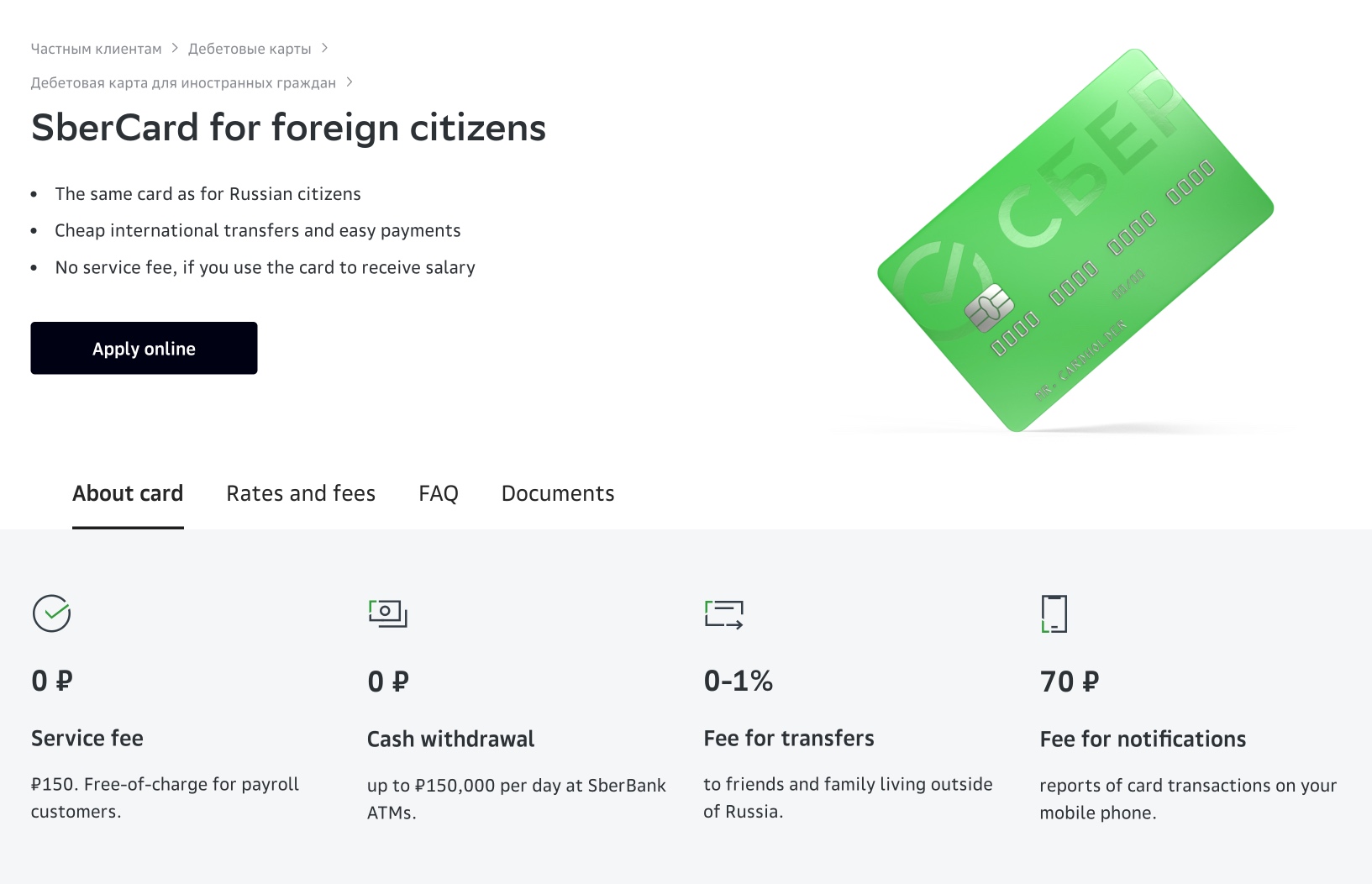
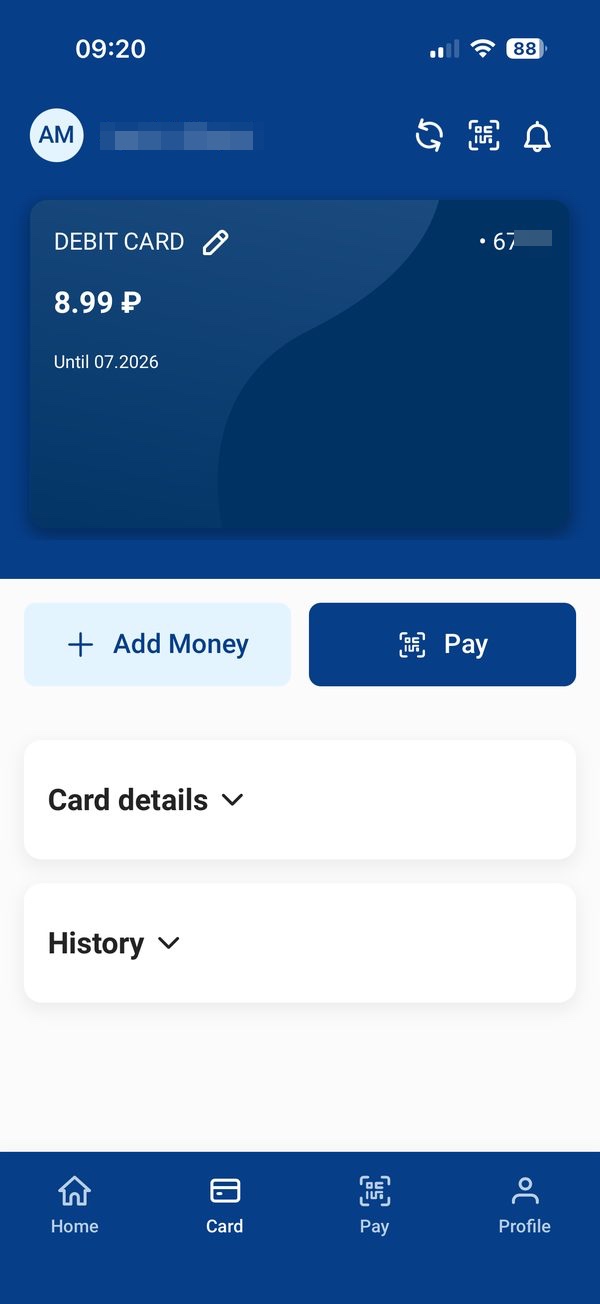
Option 4. Pay in Russia: why it’s no longer an option for most travellers
Until summer 2026 this was the route I recommended for a short trip: Pay in Russia is a virtual prepaid card on the Russian system that you open from home in two minutes, with no Russian SIM, and that you topped up with your Visa or Mastercard.
Since August 2026, it no longer accepts top-ups with Visa or Mastercard, nor with Apple Pay or Google Pay. This is what’s left:
- The unverified card can only be topped up with Chinese methods: WeChat and Alipay (Chinese citizens) or Alipay HK (Hong Kong).
- The verified card, available with some passports (Spanish, German, Italian, Latvian, Estonian, Mexican or Colombian, but not British, American or Australian for now), accepts those methods plus USDT (cryptocurrency), with a limit of 600,000 rubles and one year of validity.
In other words, for a Western traveller it only works if you can verify yourself and you’re willing to buy USDT on an exchange and send it over the right network. It works, but it isn’t the solution I’d recommend to most people. If you already use cryptocurrency, I explain how to do it in my Pay in Russia guide.
Pros: you open it from home in minutes, you don’t need a Russian SIM and with USDT the exchange rate is very good.
Cons: it can no longer be topped up with Western cards, it doesn’t allow cash withdrawals and the unverified version only works with Chinese methods.
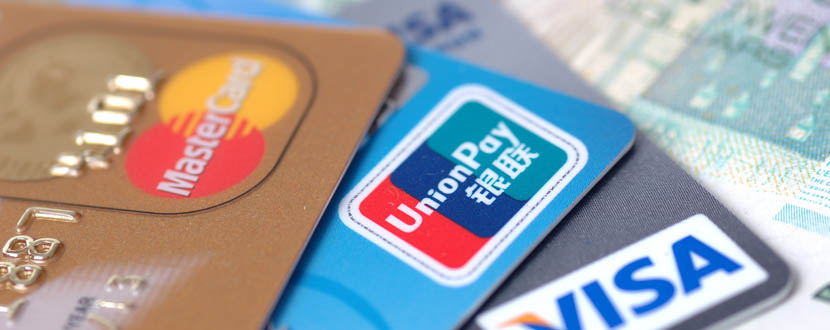
Option 5. UnionPay cards: why they’re no longer a reliable solution
After Visa and Mastercard left the Russian market, UnionPay cards, the Chinese payment system, were presented for a while as the great alternative for foreign travellers. Being a system outside Western sanctions, on paper they allowed you to pay in Russia and withdraw cash at certain shops and ATMs.
The reality today is very different. Although UnionPay still exists and is present in Russia, most UnionPay cards issued outside the country either no longer work or work very erratically. It depends on the issuing bank, the country of origin and the type of card, so many travellers run into declined payments or can’t withdraw money, even at banks that advertise accepting them.
On top of that, getting a UnionPay card outside Russia is increasingly difficult. In many countries they’re no longer issued and, when they are available, they come with high costs and monthly fees with no guarantee whatsoever that they’ll work once you’re there.
From experience, plenty of people arrive in Russia counting on UnionPay and find out on the ground that their card doesn’t work. So I’ll be blunt: I don’t recommend it. It might work for you occasionally, but it’s not something to build a trip around.
Pros: in theory, it lets you pay without relying solely on cash.
Cons: unpredictable, hard to obtain and expensive in fees with no guarantees.
Planning the whole trip, not just how to pay?
Everything in one place: visas, borders, trains, apps and what to do when one of them stops working, plus ready-made itineraries for Moscow and Saint Petersburg. I update it every time something changes in Russia.
Read it on your phone or your laptop: PDF, ePub and online version. One payment, future updates included.
See what’s inside3. What if I just want to send money to family or friends in Russia?
Not everyone needs a card to pay in Russia. Many people are simply looking for a way to send money to family or friends living there, something that has become considerably harder since most Western financial services were suspended.
Services like PayPal, Wise or Revolut don’t allow transfers to Russia, so they’re not an option. Even so, there are alternatives that still work and let you make international transfers to the country.
One of the services that currently allows you to send money to Russia is SendNOW. This kind of platform is designed precisely for people who aren’t travelling to Russia and don’t need a card, but simply want to send funds from abroad for the recipient to collect there.
It’s useful, for example, for:
- helping family members financially,
- sending money to friends,
- or making occasional transfers without travelling or opening Russian bank accounts.
In this article I go through all the alternatives that exist right now and which one has worked best for me: How to send money to Russia (my personal experience).
Bear in mind that sending money doesn’t help you pay in shops as a tourist, but it’s the right solution if your only goal is getting money to someone who lives in Russia.
4. Which option should you choose for your trip?
Having gone through all the alternatives, the best way to pay in Russia depends on the kind of trip you’re making and how much time you have before you leave. In every case, cash is the base.
If you’re travelling for a few days and don’t want any hassle, bring cash in immaculate banknotes and exchange it there. If you also want to pay online before the trip (trains, museums, opera) or not depend on cash alone, order the YooMoney MIR card with at least a month to spare: it’s posted to your home.
If you’re travelling for several weeks, go to Russia often or want the best exchange rate, the most cost-effective route is to bring cash and open a T-Bank card once you’re there. It takes a bit more organising, but it gives you a full Russian account, low fees, ATM withdrawals and, if you’re interested, a Russian SIM arranged in the same appointment.
If you’re a Chinese citizen or a Hong Kong resident, or you already work with USDT, Pay in Russia is still a quick way to have a virtual Russian card before you leave.
5. Frequently asked questions about paying in Russia
Can I pay in Russia with my foreign Visa or Mastercard?
No. Visa, Mastercard, Maestro, JCB and American Express cards issued outside Russia work neither for paying in shops nor for withdrawing cash from ATMs inside the country. Only cards issued by Russian institutions within the MIR system work.
What is the best option for paying in Russia as a tourist?
For a short trip, bring cash in immaculate banknotes and, if you have time, order the YooMoney MIR card beforehand, which is sent to you by post. For long stays, or if you want the best exchange rate and the ability to withdraw cash, the T-Bank card, which you arrange once you are in Russia. Ideally, combine a MIR card with cash.
Can I get a MIR card without travelling to Russia?
Yes. YooMoney lets you verify yourself remotely with your passport and a selfie and posts the physical MIR card to your country. It takes between 2 and 6 weeks, so it is worth ordering it well in advance.
Does Pay in Russia still work?
You can still open the card, but since August 2026 it no longer accepts top-ups with Visa or Mastercard. The unverified version can only be topped up with WeChat, Alipay or Alipay HK, and the verified one also accepts USDT. For most Western travellers it is no longer a practical option.
Can I withdraw cash from an ATM in Russia?
Only with a card issued by a Russian institution, such as the T-Bank card or the physical YooMoney card. Foreign cards do not work in Russian ATMs, and the Pay in Russia virtual card does not allow cash withdrawals either.
Do Apple Pay or Google Pay work in Russia?
No. Apple Pay, Google Pay and other Western mobile payment systems do not work in Russia, not even linked to a foreign card. What does work is Mir Pay, the Russian alternative, but you need a MIR card issued by a Russian bank and an Android phone.
Does UnionPay currently work in Russia?
In theory the Chinese UnionPay system is still present in Russia, but in practice most cards issued outside the country either do not work or work very erratically. On top of that, getting one is increasingly difficult and expensive. It is not something to build a trip around.
Is it better to bring cash or use a card?
The best approach is to combine both. Cash is the base, but it does not let you pay online. The practical solution is to bring cash in banknotes in perfect condition and, if you can, a Russian MIR card.
Why might my banknotes be rejected when exchanging them in Russia?
Russian banks are very demanding about the physical condition of banknotes: they reject notes with a folded corner, a stain, a pen mark or an older series design. On top of that, above 40,000 rubles per transaction they will ask for your passport, and many offices will not exchange more than around 400 euros at a time.
Can I send money to Russia without travelling or getting a card?
Yes. If your goal is to send money to family or friends in Russia, there are specific services that allow international transfers to the country, although they are not useful for paying in shops as a tourist.
Can I pay in euros or dollars in Russia?
No. In Russia you can only legally pay in rubles, both in cash and by card. Euros or dollars have to be exchanged beforehand.
In This Article
Was this useful? I'll tell you when something changes in Russia
One short email a month with what has changed for travellers (visas, payments, border crossings, apps), based on what readers report to me from Russia. More than 4,000 of us already. No spam: if you ever lose interest, unsubscribing is one click.
Irena DomingoAbout Me
I was born in Russia. I grew up between two worlds: my father was Russian, my mother Spanish — a descendant of the "Children of Russia", the Basque children evacuated to the USSR during the Spanish Civil War. I've worked as a translator, interpreter and Russian teacher for over 30 years, and since 2013 I've been writing this blog to help travelers discover Russia with practical, always up-to-date information. Author of the Russiable Guide. If this blog has helped you plan your trip, you can buy me a coffee ❤️.
 Decree 377: Why Russian Banks Are Freezing Foreigners’ Deposits
 Tax Free in Russia: Can You Get a VAT Refund in 2026?
 Prices in Russia 2026: what it really costs to travel (and live) there