Last Updated on January 5, 2024 by Irena Domingo
I’ll explain how to hire an affordable Russian VPS hosting service with servers in different Russian cities (Moscow, St. Petersburg, Kazan, etc.), which allows payment with foreign cards (Visa, MasterCard, JCB, American Express, etc.), as well as the installation of multiple applications such as WordPress, Joomla, Minecraft, or MetaTrader 5, among other.
I'm going to talk about ...
1. Russian Hosting Services
There are many hosting services in Russia, some of them very good, such as Beget, Reg.ru, Timeweb, RU-center, MasterHost, SpaceWeb, SprintHost, Jino, McHost, Majordomo, etc. I have tried many of them, and I must say they are on par with the services offered by European or American hosting services.
The problem is that most of them have their website in Russian and do not allow payment with cards issued abroad due to international sanctions related to the conflict in Ukraine.
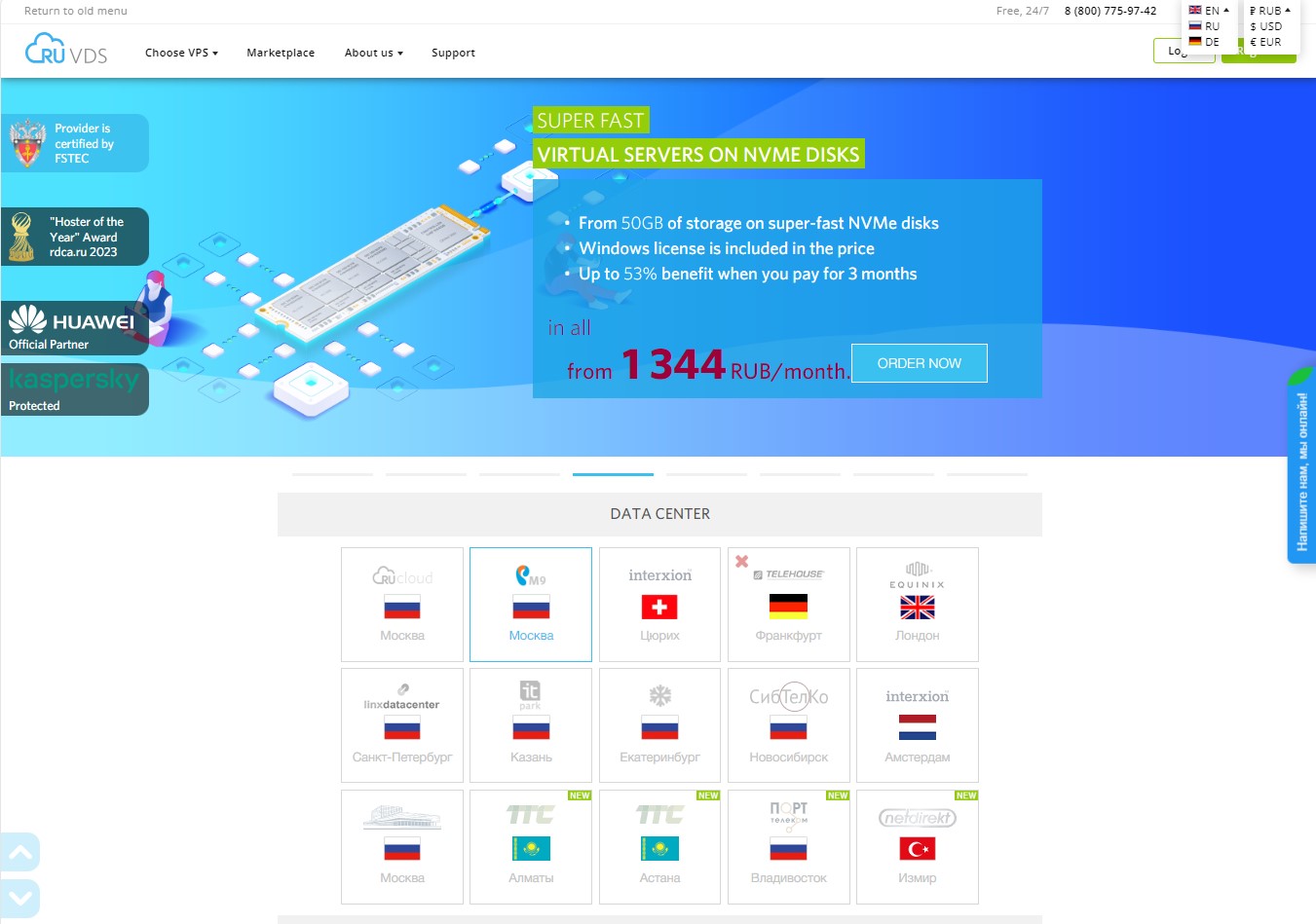
The only high-quality Russian hosting service I know that has an English version on its website and allows payment with cards issued abroad is the service offered by RUVDS.
RUVDS provides dedicated virtual servers (VPS/VDS) and is among the top 20 providers in Russia.
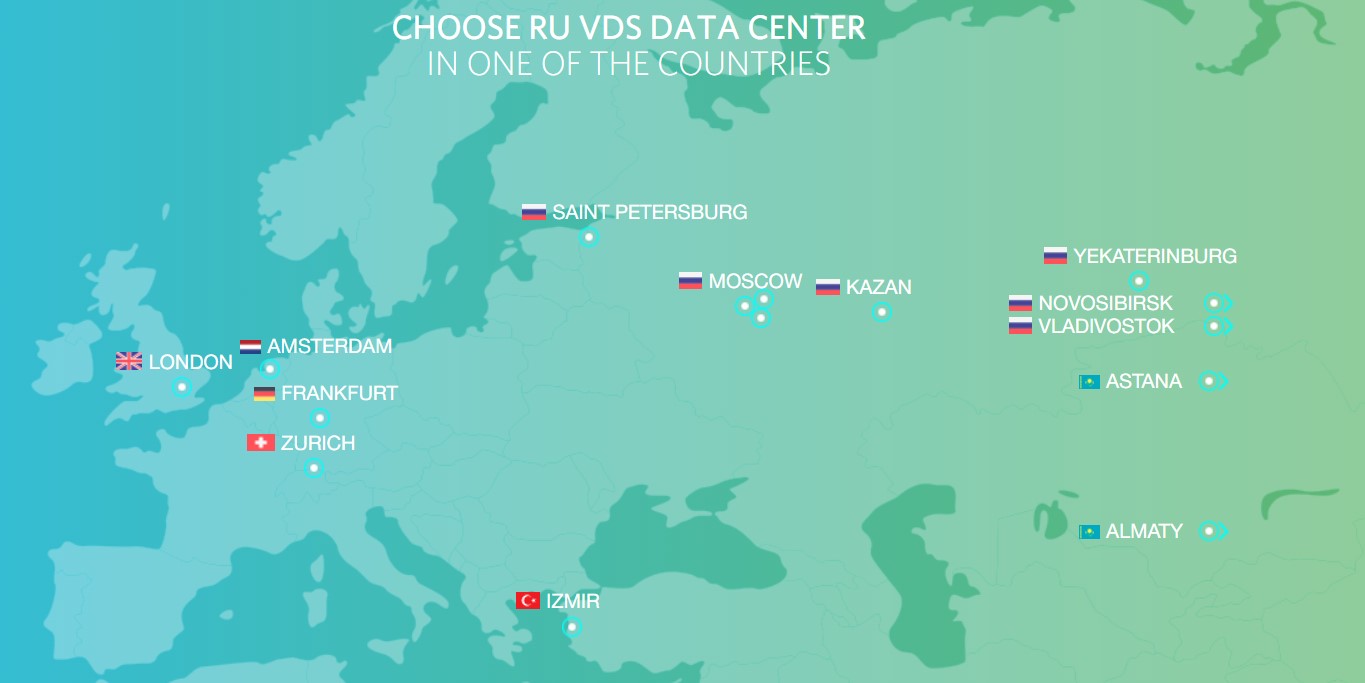
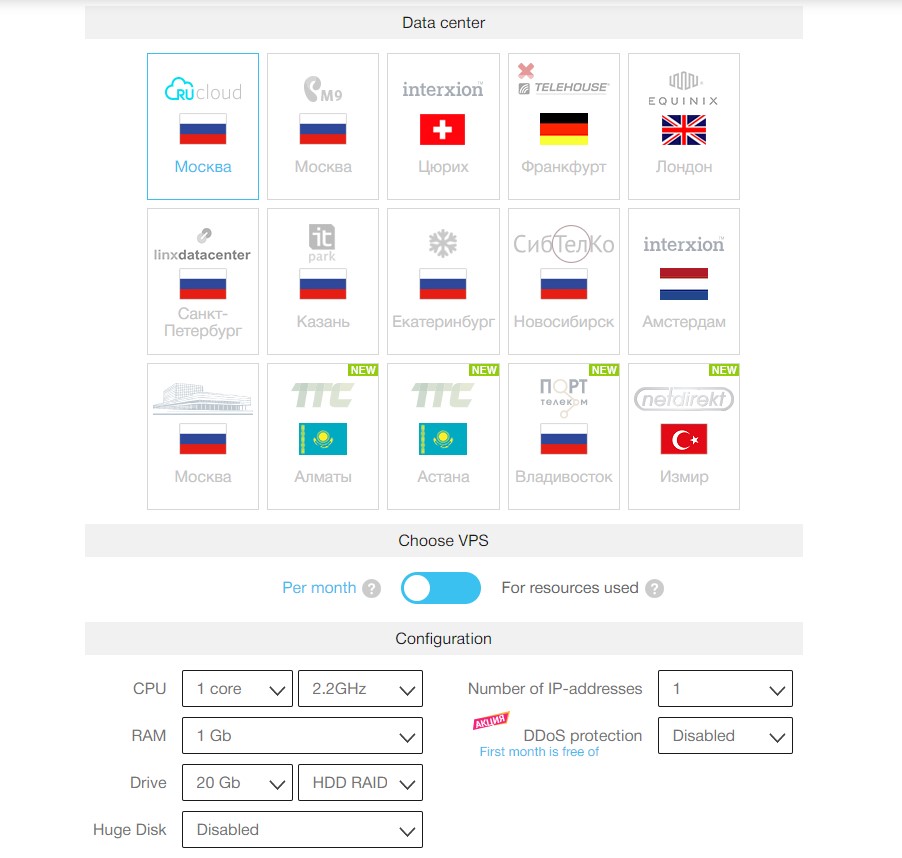
Currently, it has 15 data servers in 7 countries: Russia, Kazakhstan, Turkey, Germany, Switzerland, Netherlands, and the United Kingdom. In Russia, it has servers in Moscow, St. Petersburg, Kazan, Yekaterinburg, Novosibirsk, and Vladivostok. It offers a free 3-day trial period.
2. RUVDS Hosting Service
RUVDS offers 4 types of configurations and rates:
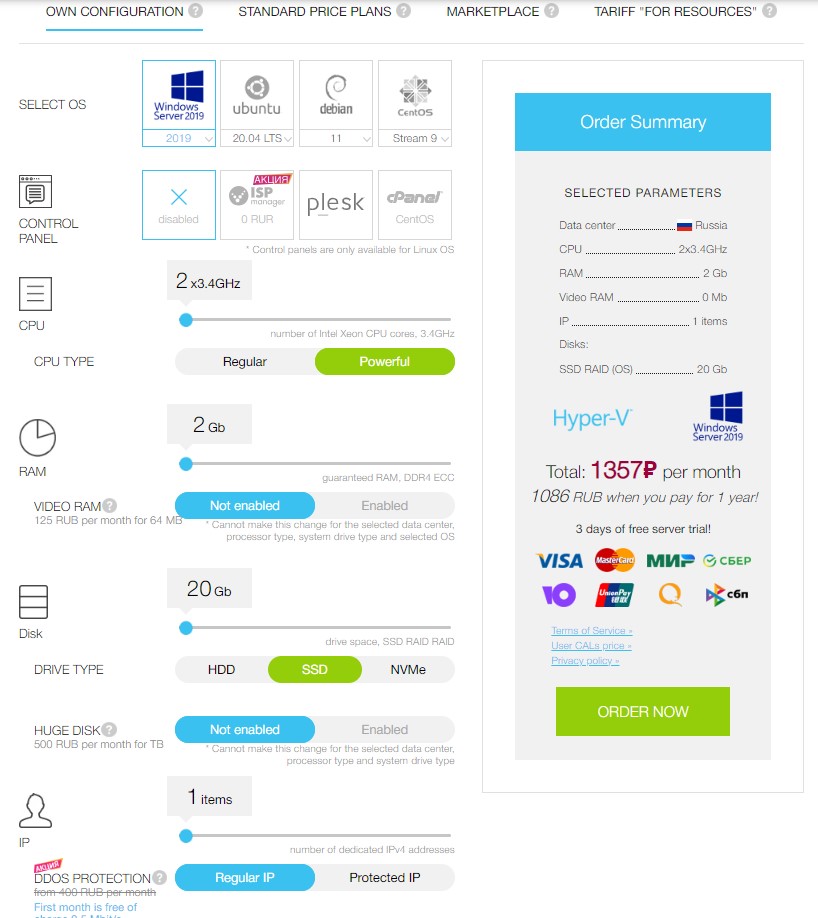
Option 1. Choose Your Own Configuration
You can configure your own server by choosing the operating system (Windows, Ubuntu, Debian, or CentOS), control panel (ISP Manager, Plesk, or cPanel), CPU, RAM, disk, and the number of IP addresses. It costs from about 800 rubles/month.
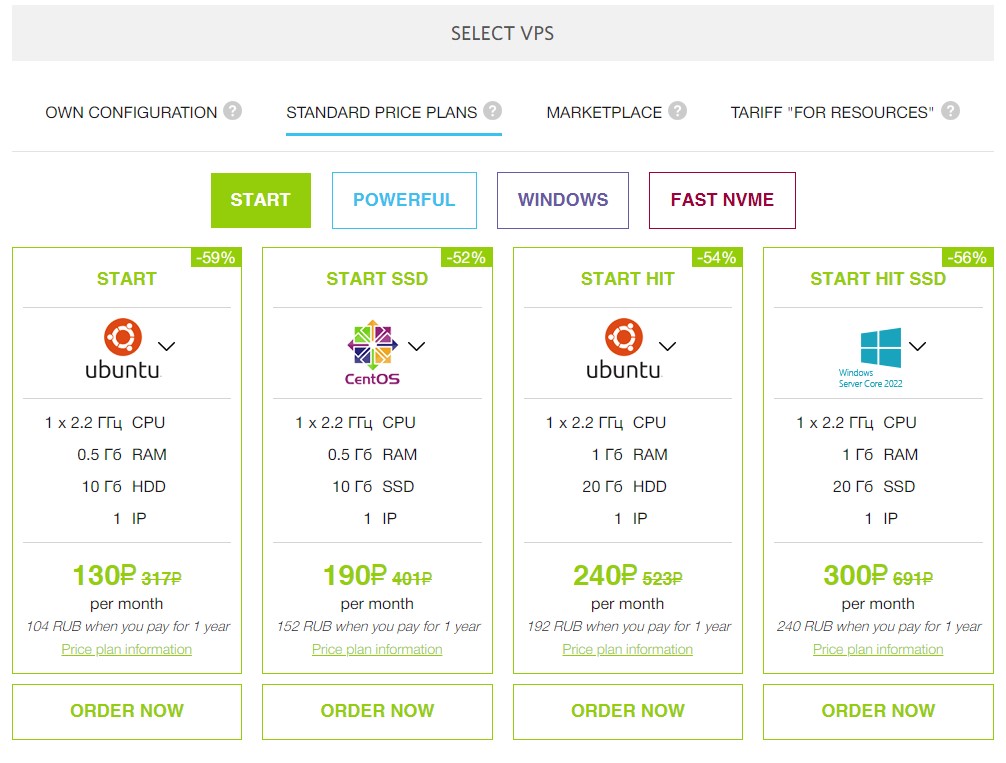
Option 2. Choose a Standard Plan with a Set Rate
In this option, you only need to choose from the already prepared rates: Start, Powerful, Windows, and Fast NVME. Each plan has several rates. For example, in the “Start” plan, the cheapest rate starts at 130 rubles/month (if you paid annually).
Option 3. Choose an Application from the Marketplace
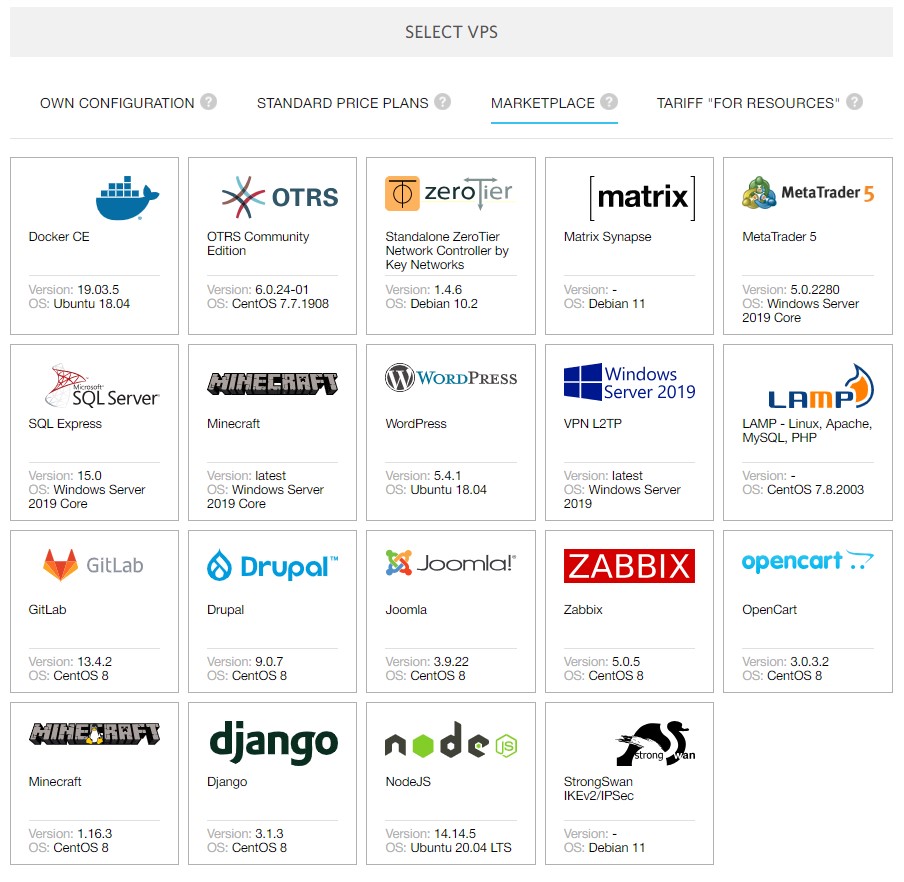
In this option, you only have to choose the application you want to install, and the system will choose the best configuration. You can install many web content management applications: WordPress, Joomla, Drupal, Django, Opencart, etc. You can also install gaming applications like Minecraft or applications for Forex and stock markets like MetaTrader 5.
Option 4. Choose a “Resource-Based” Rate
This option is similar to the first, that is, choosing your own configuration, but in this case, you pay only for the resources actually consumed.
3. RUVDS Registration and Configuration Process
The registration and configuration process is simple:
Step 1. Registration
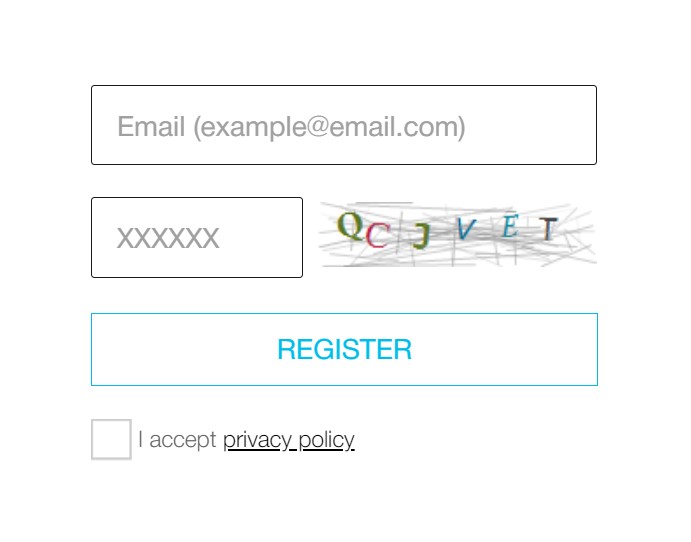
You must register on their platform by entering your email address, the captcha code, and accepting the privacy policy. You will receive an email with a one-time password. When you log in with this password, you will be asked to create a new password.
Step 2. Server Configuration
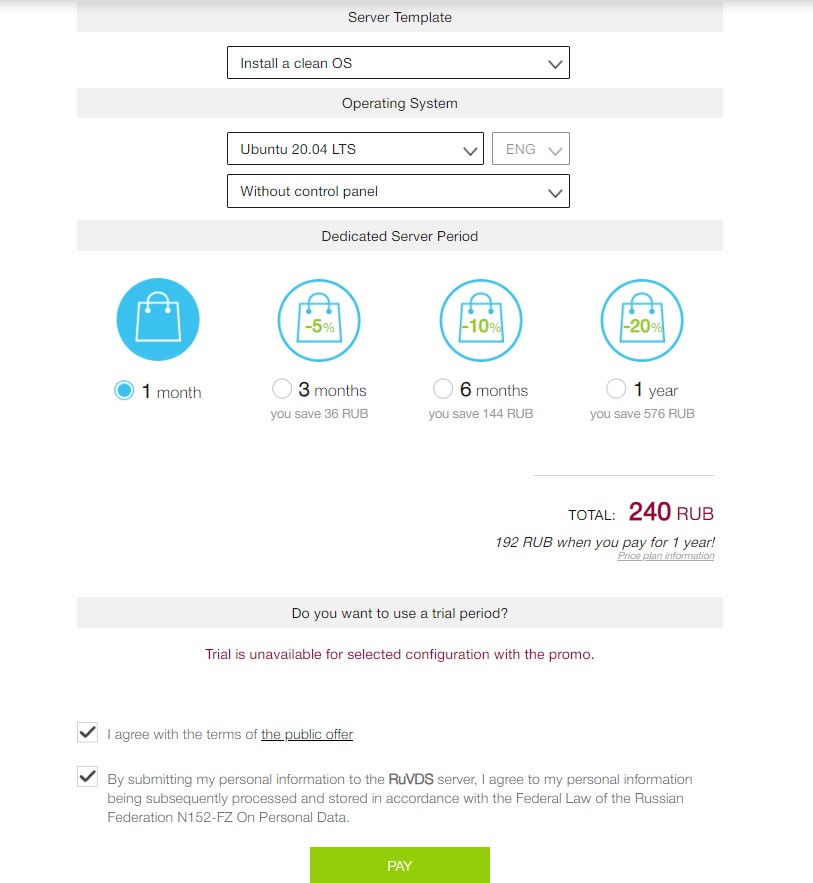
Once you are in your personal area, you can place an order. First, you must select a data center and then choose your configuration.
Step 3. Payment with Foreign Card
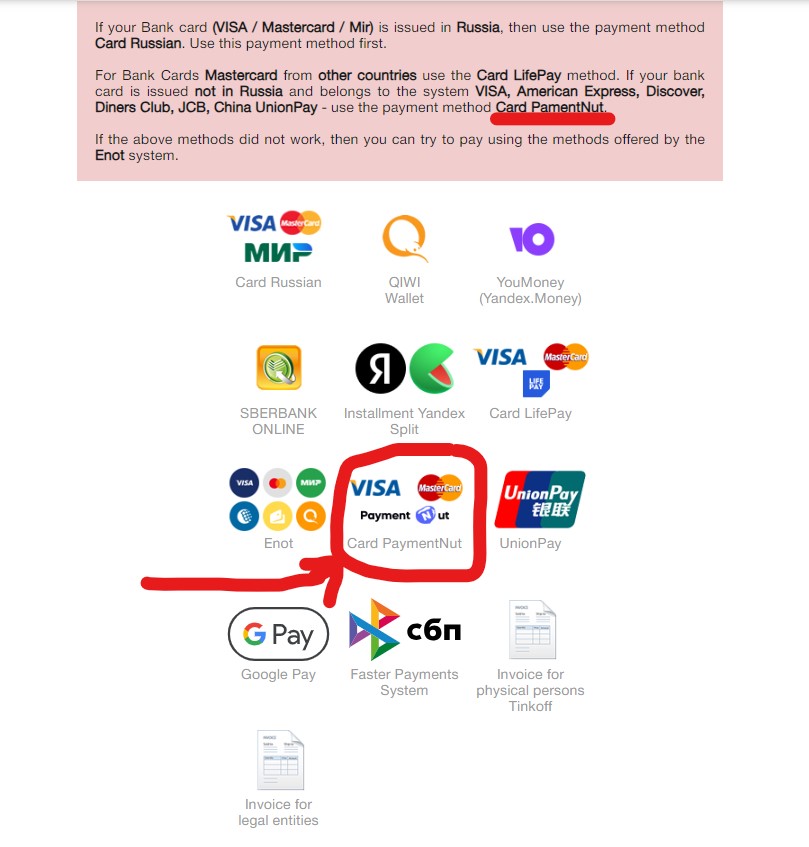
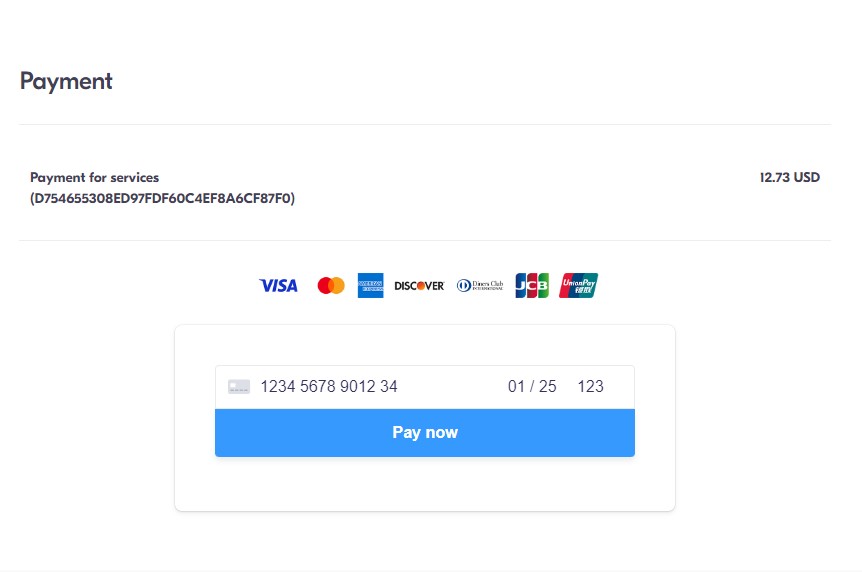
To pay with cards not issued in Russia, you must choose the “Card PaymentNut” option. You can pay with Visa, MasterCard, American Express, JCB, UnionPay, Discover, or Diners Club International.
Keep in mind that the payment is made through a Canadian payment platform, and the price is shown in US dollars (according to the ruble/dollar exchange rate).
4. Buy a Russian .RU Domain
You may also want to buy a Russian domain in addition to renting a Russian server. The main Russian domain registrars (nic.ru, reg.ru, webnames.ru, etc.) do not allow payment with foreign cards.
Similarly, most European and American domain registrars do not offer .ru domains for sale. However, there are some exceptions. For example, the company Gandi.net does allow the purchase of .RU domains.
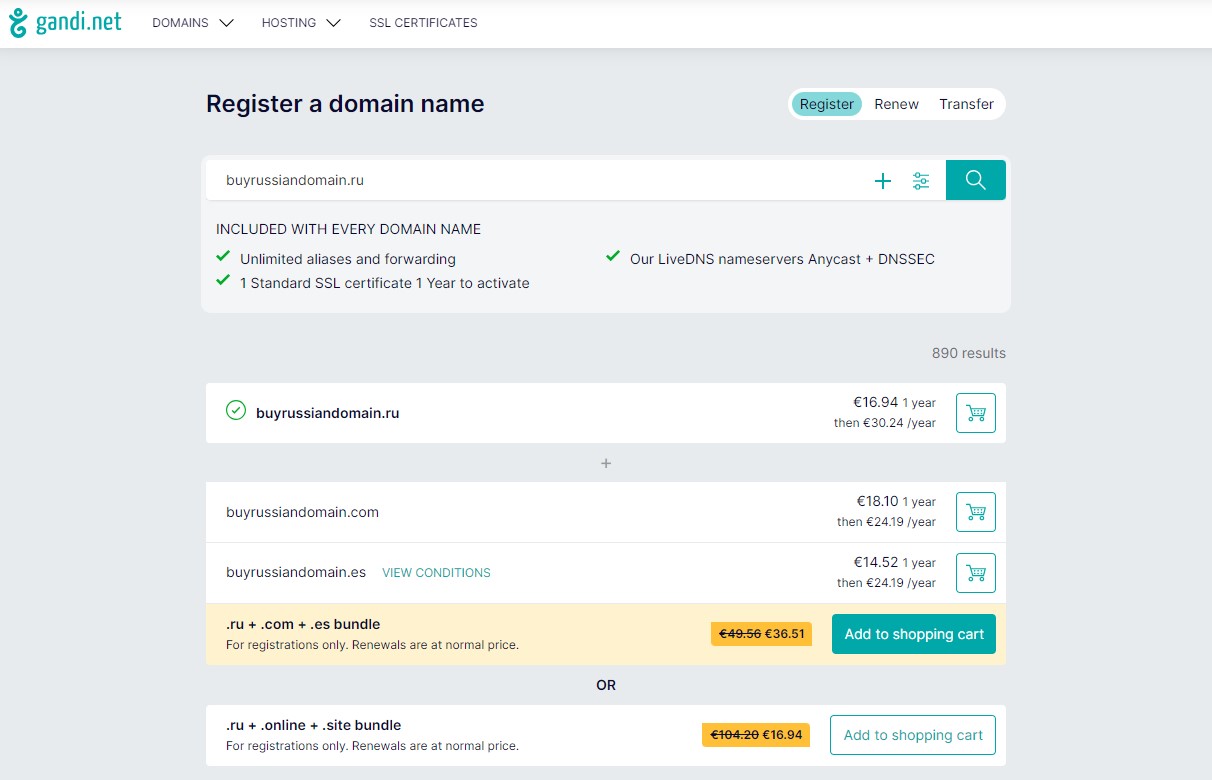
Finally, once you have your .ru domain, you just need to point it to the IP of your RUVDS Virtual Private Server (VPS).
I hope this article has been helpful. Have you tried this hosting service? Do you need any assistance with the configuration?
